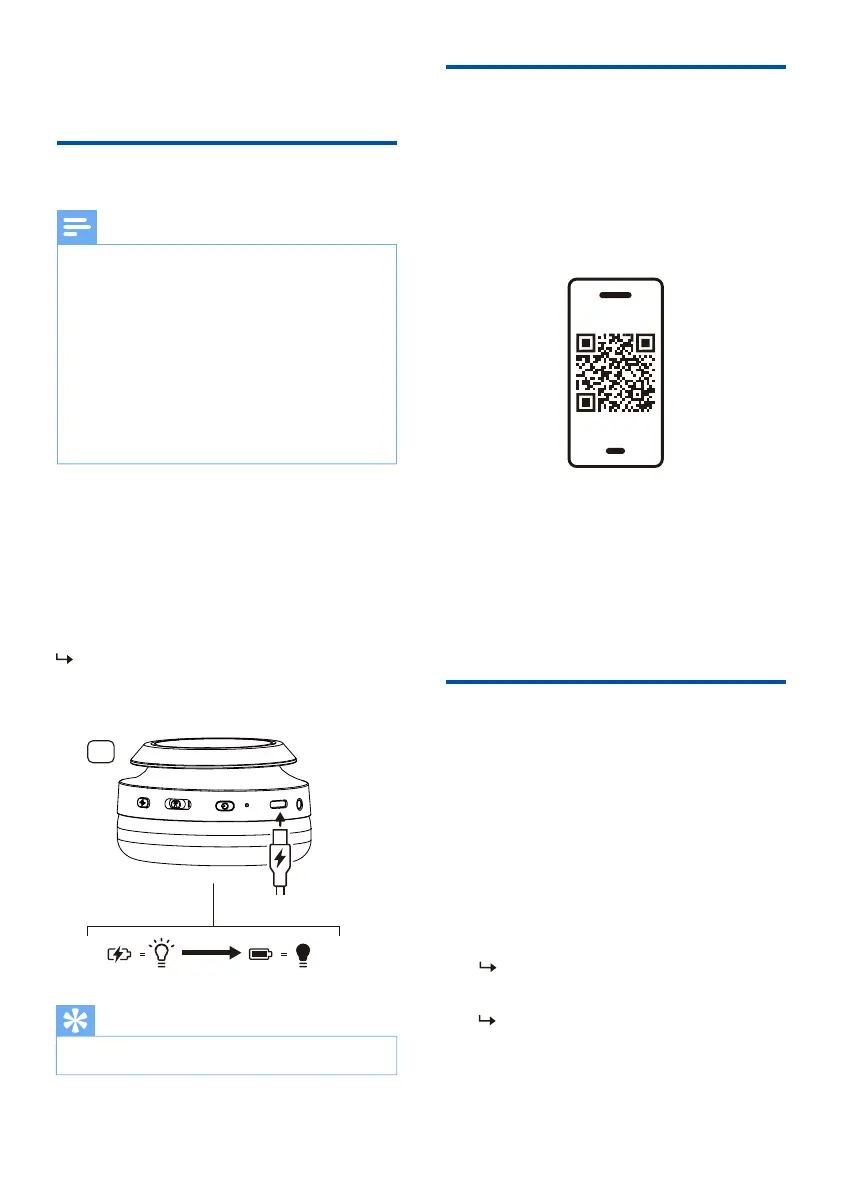
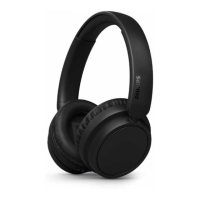
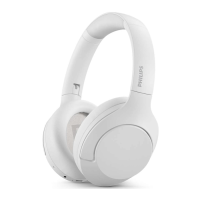
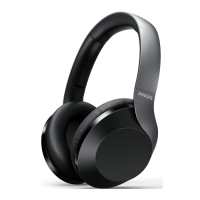
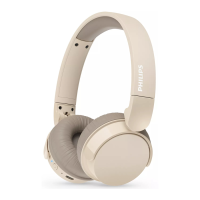
Connect the supplied USB charging cable
to:
• The USB-C charging slot on the
headphones and;
• The charger/USB port of a computer.
6 EN
LED turns white during charging and
fully charged.
App download
Scan the QR code/press 'Download'
button or search 'Philips Headphones' in
the Apple App Store or Google Play to
download the app.
The Philips Headphones App puts you in
charge of the music you are listening to.
You can customize the sound so that
your music and calling experience always
best suit your needs.
Pair the headphones with
your Bluetooth device for
the �rst time
Get Started
3 Get started
Charge the battery
the charging box and charge the battery for 2
hours for optimum battery capacity and
lifetime.
Use only the original USB-C charging cable to
avoid any damage.
rechargeable battery will begin to lose its
the battery at least once every three months.
Note
Tip
Press and hold the power button for
pairing mode and ready to connect.
1
2
white and blue alternately.
The headphones are now in
pairing mode and are ready to
pair with a Bluetooth device
(e.g. a mobile phone).
R


 To Next Page