Turn on the Bluetooth function of
your Bluetooth device.
Pair the headphones with your
manual of your Bluetooth device.
3
4
Pair the headphones with
another Bluetooth device
The headphones store 5 devices in the memory.
paired device is replaced by the new one.
7 EN
Note
If you want to pair another Bluetooth
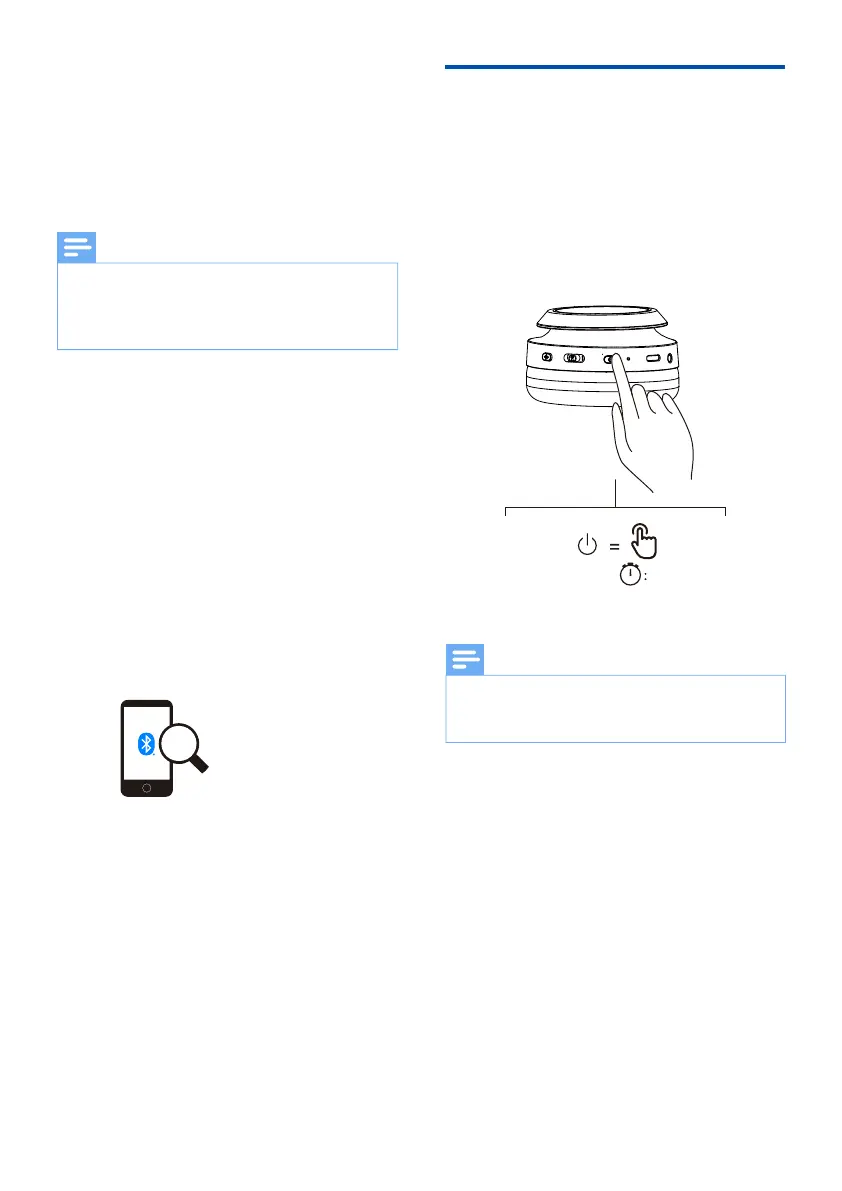
into pairing mode (press the power button
device as per normal pairing.
Philips TAH6509
The following example shows you how to
pair the headphones with your Bluetooth
device.
Turn on the Bluetooth function of
Philips TAH6509.
Enter the headphones' password
“0000
those devices featuring Bluetooth 3.0
password.
1
2
please put them into pairing mode (press the
power button for 5 seconds).
Note
05"


 To Next Page