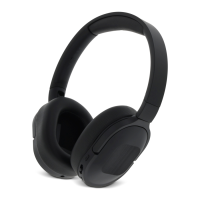
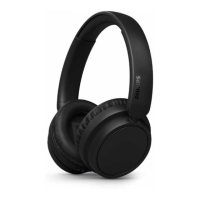
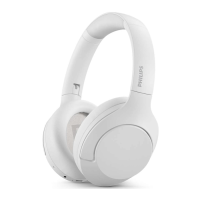
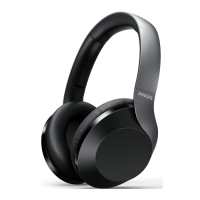
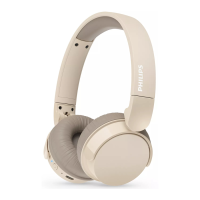
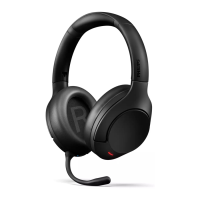
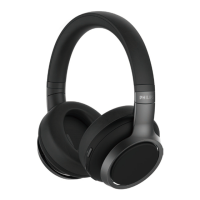
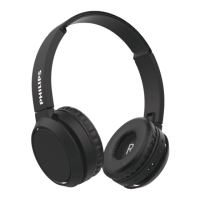
turn the headphones on.
The white LED will turn on in
two seconds
The headphones are reconnected
to the last connected mobile
phone/Bluetooth device
automatically
8 EN
4 Use your
headphones
Connect the headphones
to your Bluetooth device
single pressing ANC/Awareness mode
button.
• ANC function is automatically
activated when turn on headphones.
change to awareness mode.
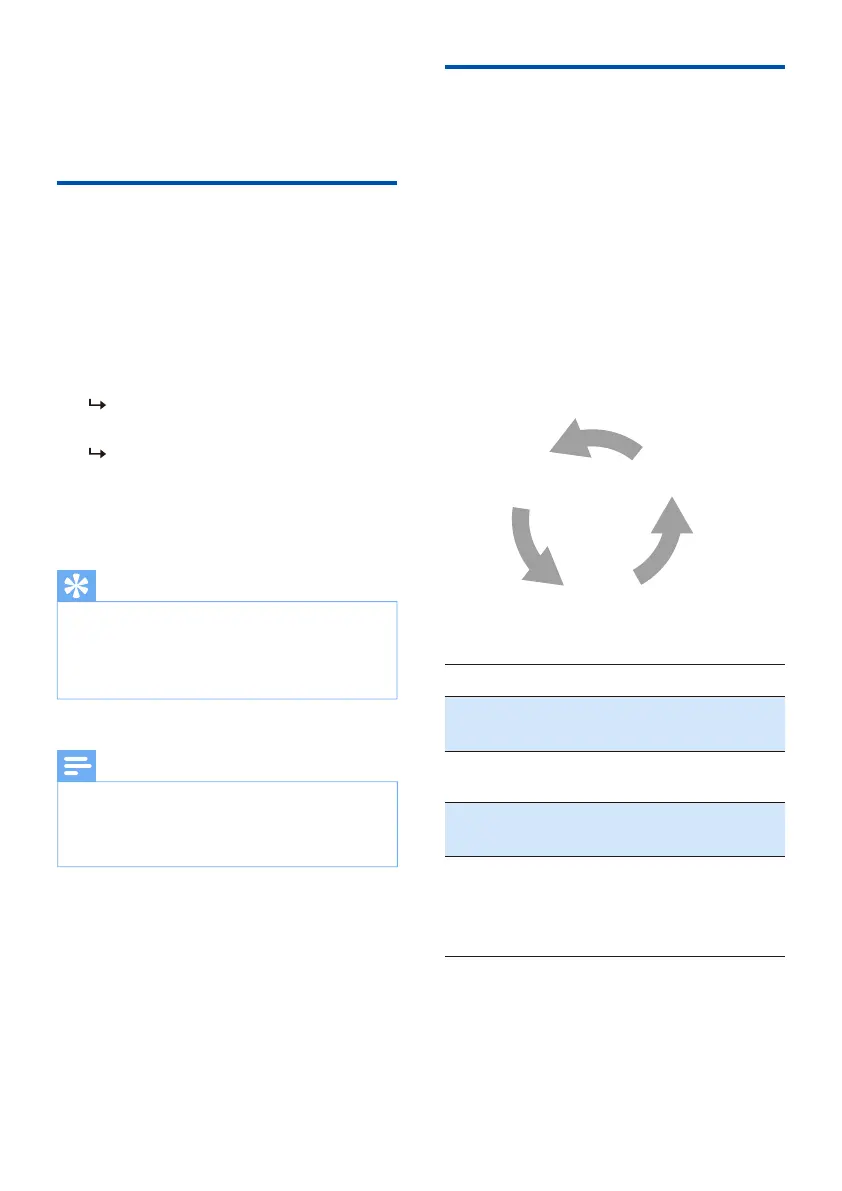
Control ANC (Active Noise
Cancelation)
ANC OFF
Awareness
mode
ANC ON
Task
ANC ON ANC
button
ANC
button
Single press
Single press
Awareness
mode
ANC
button
Single press
Button Operation
ANC
button
Press and
hold ANC
when release
awareness
1
2
If you turn on the Bluetooth function of your
Bluetooth device after turning on the
menu of the device and connect the headphones
to the device manually.
Tip
Bluetooth menu of your device and connect the
headphones to the Bluetooth device manually.
Note
Turn on the Bluetooth function of
your Bluetooth device.


 To Next Page