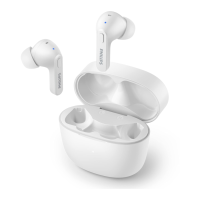
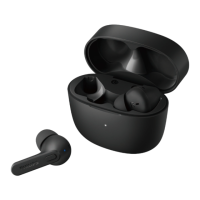
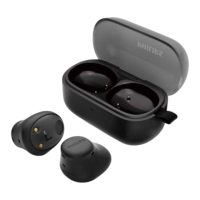
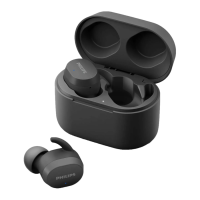
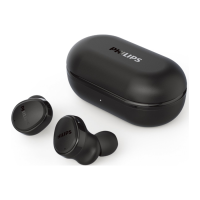
5 Reset the
earphones
TAT2236
Press once on both earphones, and
then press and hold for 5 seconds.
After Blue LEDs nish ashing,
return earphones to charging box &
close the lid.
Follow steps in “Use your
earphones-Connect the earphones
to your Bluetooth device.”
Pair the earphones with your
Bluetooth device, select Philips
TAT2236.
5
6


 To Next Page