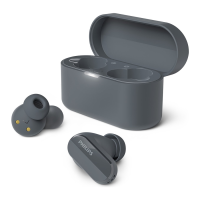
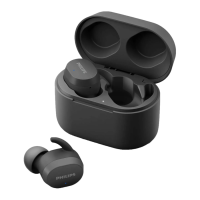
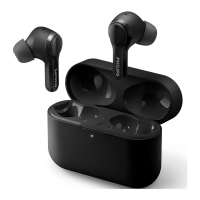
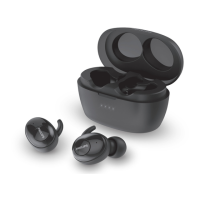
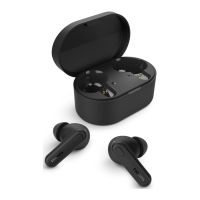
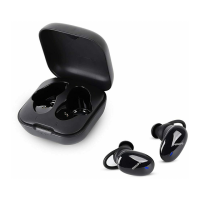
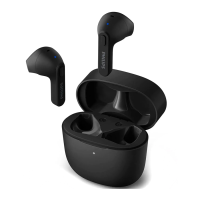
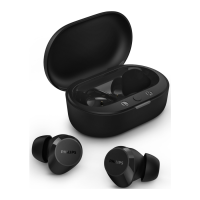
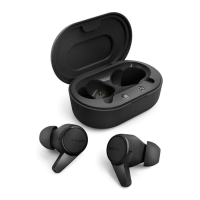
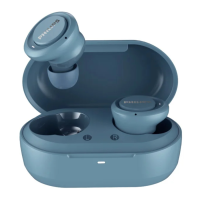
Single earpiece (Mono mode)
Take either right or left earpiece out
from charging box for Mono use. The
earpiece will power on automatically.
Philips TAT3519
The following example shows you
how to pair the earpieces with your
Bluetooth device.
Turn on the Bluetooth function of
your Bluetooth device, select
Philips TAT3519.
Enter the earpieces' password “0000”
(4 zeros) if prompted. For those
higher, there is no need to enter a
password.
Take the second earpiece from the charging box
and they will pair with each other automatically.
The earpieces store 4 devices in the memory.
If you try to pair more than 4 devices, the earliest
paired device is replaced by the new one.
Pair the earpieces with
another Bluetooth device
If you want to pair another Bluetooth
device with the earpieces, just put them
into pairing mode, (press button on box for
3 seconds with both earpieces inside and
the box open), then discover the second
device as per normal pairing.
1
2
Turn on the Bluetooth function of
your Bluetooth device.
Pair the earpieces with your
Bluetooth device, refer to the user
manual of your Bluetooth device.
any previously connected Bluetooth device,
please put them into pairing mode (press button
on box for 3 seconds with both earpieces inside
and the box open).
3
4
Note
When streaming audio from Device 1, receiving
a call from Device 2 will automatically pause
Device 1 playback. And the call will be routed
automatically to headphones.
Ending the call will automatically resume
playback from device 1.
Multi-point connection
Pairing
• Pairing the headphones to 2 devices,
e.g. mobile phone and notebook.
Switch between device
• At anytime, you can only listen to
music from 1 device. Another device
will be for phone call.
• Pause the audio from 1 device and
then start to play audio from the
another device.
03"
8 EN


 To Next Page