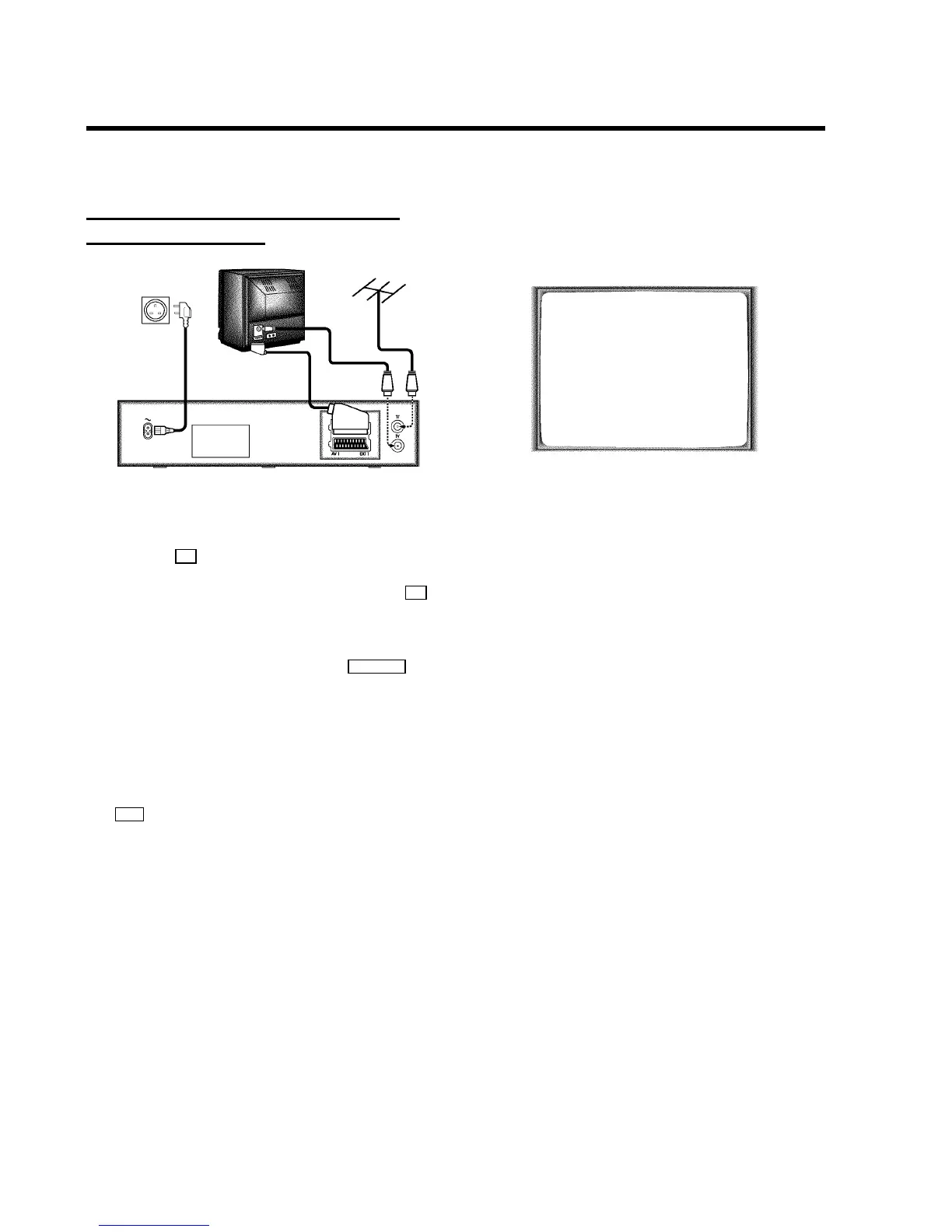
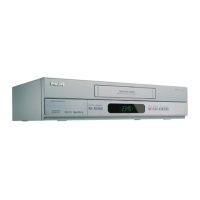
Connecting with a scart cable without
’Easy Link/NexTView’
a Switch off the TV set.
b Remove the aerial cable plug from your TV set and insert
it into the 2 socket at the back of the video recorder.
c Plug one end of the aerial cable provided into the 3
socket on the video recorder and the other end into the
aerial input socket on your TV set.
d Plug one end of the scart cable into the EXT.1 AV 1 scart
socket at the back of the video recorder and the other
end into the scart socket on your TV set (see instruction
manual TV set).
e Switch on the TV set.
f Insert one end of the mains cable into the mains socket
4 at the back of the video recorder and the other end
into the wall socket.
g If your TV set automatically switches to programme
number e.g.: ’EXT’, ’0’, or ’AV’, this text will appear on the
TV screen:
CONGRATULATIONS ON THE
PURCHASE OF YOUR NEW
PHILIPS VIDEO RECORDER
TO CONTINUE PRESS OK
DIf your TV set does not switch to programme number
e.g.: ’EXT’, ’0’, or ’AV’ automatically, select the
programme number for the video recorder manually
(see instruction manual TV set).
h Then read ’Initial installation’ in chapter ’INSTALLING
YOUR VIDEO RECORDER’.
5


 To Next Page