Tracking during still picture
If the still picture vibrates vertically, you can improve the still
picture as follows:
a During still picture, press the MENU button.
b Select the line ’PLAY FUNCTIONS’ with the P = or
P ; button and confirm with the P button.
c Select the line ’VERTICAL STABILITY’ with the
P = or P ; button.
d Hold the Q or P button until the picture quality is at
its best.
e Confirm with the OK button.
f To end, press the MENU button.
DPlease note, however, that interference may still
occur with poor quality cassettes.
Cleaning the video heads
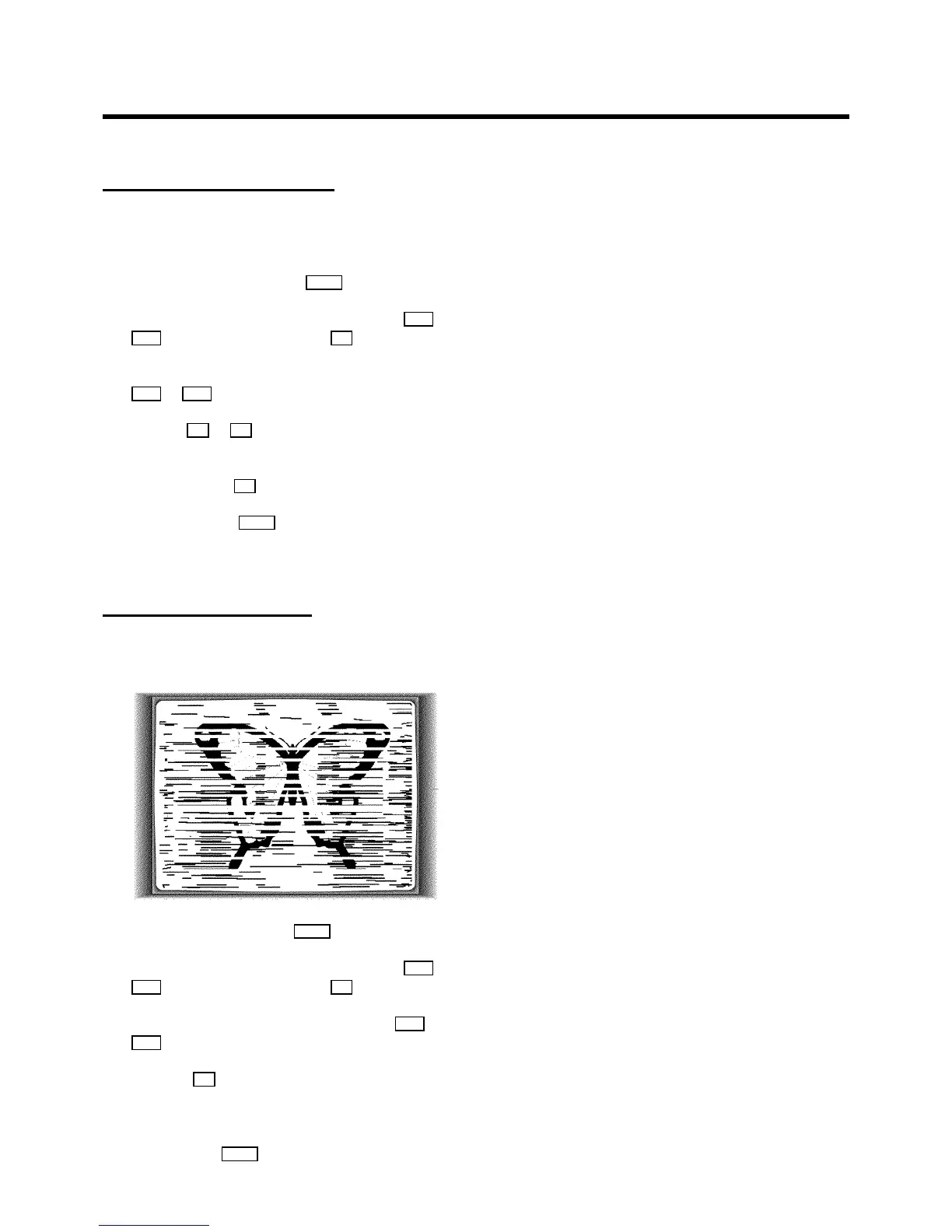
If horizontal lines appear on the screen when you play a
cassette, you should clean the video heads.
a During playback, press the MENU button.
b Select the line ’PLAY FUNCTIONS’ with the P = or
P ; button and confirm with the P button.
c Select the line ’HEAD CLEANING’ with the P = or
P ; button.
d Press the OK button. ’HEAD CLEANING IN
PROGRESS’ appears on the screen.
e Wait a few seconds, until the message disappears and
then press the MENU button.
16



 To Next Page