16
EN
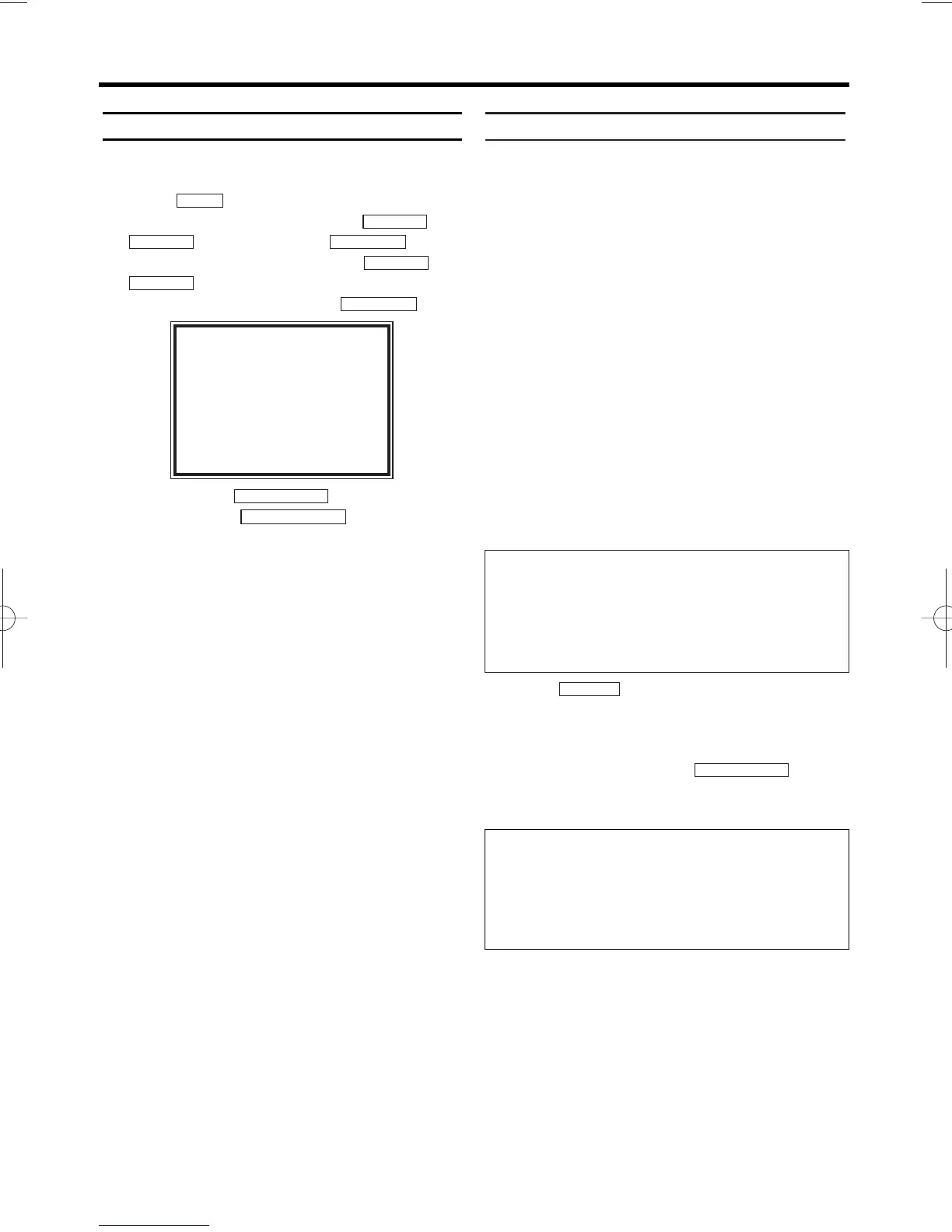
Switching 'DIRECT RECORD' on or off
1.
1.Switch on the TV. If required, select the pro-
gramme number for the video recorder.
2.
2.Press . The main menu will appear.
3.
3.Select 'RECORD SET UP' with or
and confirm
with .
4.
4.Select 'DIRECT RECORD' with or
. Select 'OFF' (Direct Record off) or
'ON' (Direct Record on) with .
5.
5.To end, press .
6.
6.Switch off with .
Copying a video tape
You can make copies of video cassettes made
by friends or relatives for your own enjoyment.
WARNING:
Unauthorized recordings of copyrighted
video cassettes may be an infringement of
copyright laws.
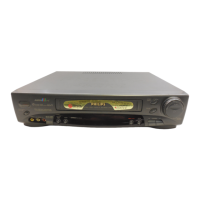
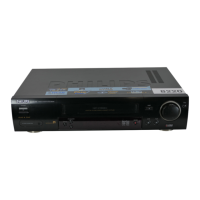
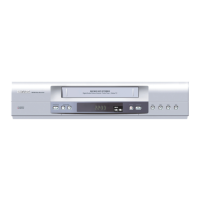
Connect the recording video recorder (this unit)
and the playback video recorder (another video
recorder) by using scart socket AV2 (DECODER)
or FRONT A/V CONNECTORS.
1.
1.Insert a pre-recorded video cassette into the
playback video recorder.
2.
2.Insert a blank video cassette, or one you
want to record over, into the cassette com-
partment of this video recorder.
3.
3.Select programme number 'AV2' or 'AV3' on
this video recorder.
4.
4.Press
on the front panel of this
video recorder
.
5.
5.Begin playback of the tape in the playback
video recorder.
6.
6.To stop recording, press on this
video recorder, then stop playback of the
tape in the playing video recorder.
STOP/EJECT
RECORD
STANDBY/ON
yy
STATUS/EXIT
FWD 1- B
STOP
C-L
PLAY B-K
FWD 1- B
STOP
C-L
PLAY
B-K
MENU
SELECT KL CHOOSE B
RECORD SPEED [SP]
→DIRECT RECORD [OFF]
RECORD LINK [OFF]
END=EXIT
• For the best results during dubbing, use the video
recorder’s front panel controls whenever possible.
The remote control might affect the playback
video recorder’s operation.
• If video or colour fades in and out, you may be
copying a copy guarded video tape.
Programme numbers of 'AV2' scart socket
and FRONT A/V CONNECTORS
If you are using the scart socket AV2 (DECODER),
select programme number
'AV2' with 0.0.2.
If you are using the FRONT A/V CONNECTORS,
select programme number 'AV3' with 0.0.3.


 To Next Page