22
EN
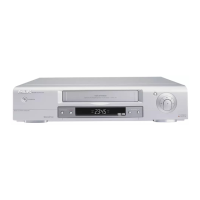
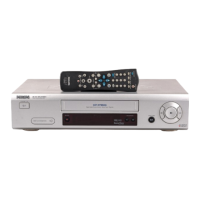
Clock Display
This function allows you to switch the VCR display
off. It is useful in case you feel disturbed by the
display-brightness while watching TV in a dark
room. It also reduces the power consumption.
1.
1.Switch on the TV. If required, select the pro-
gramme number for the video recorder.
2.
2.Press . The main menu will appear.
3.
3.Select 'VCR SET UP' using or
and confirm with .
4.
4.Select 'CLOCK DISPLAY' using or
.
5.
5.Select 'OFF' (no clock display) or 'ON' (clock
display on) with .
6.
6.To end, press .
Selecting the sound channel
You can select the desired sound channel during
playback or while receiving TV channels via the
video recorder. This allows you to select a
desired language for multi-language transmis-
sions.
This video recorder has a NICAM stereo sound
decoder.
1.
1.Press . This will show the current
sound setting.
2.
2.Press repeatedly until the desired set-
ting appears in the display.
AUDIO
AUDIO
STATUS/EXIT
FWD 1- B
STOP C-L
PLAY B-K
FWD 1- B
STOP C-L
PLAY B-K
MENU


 To Next Page