1
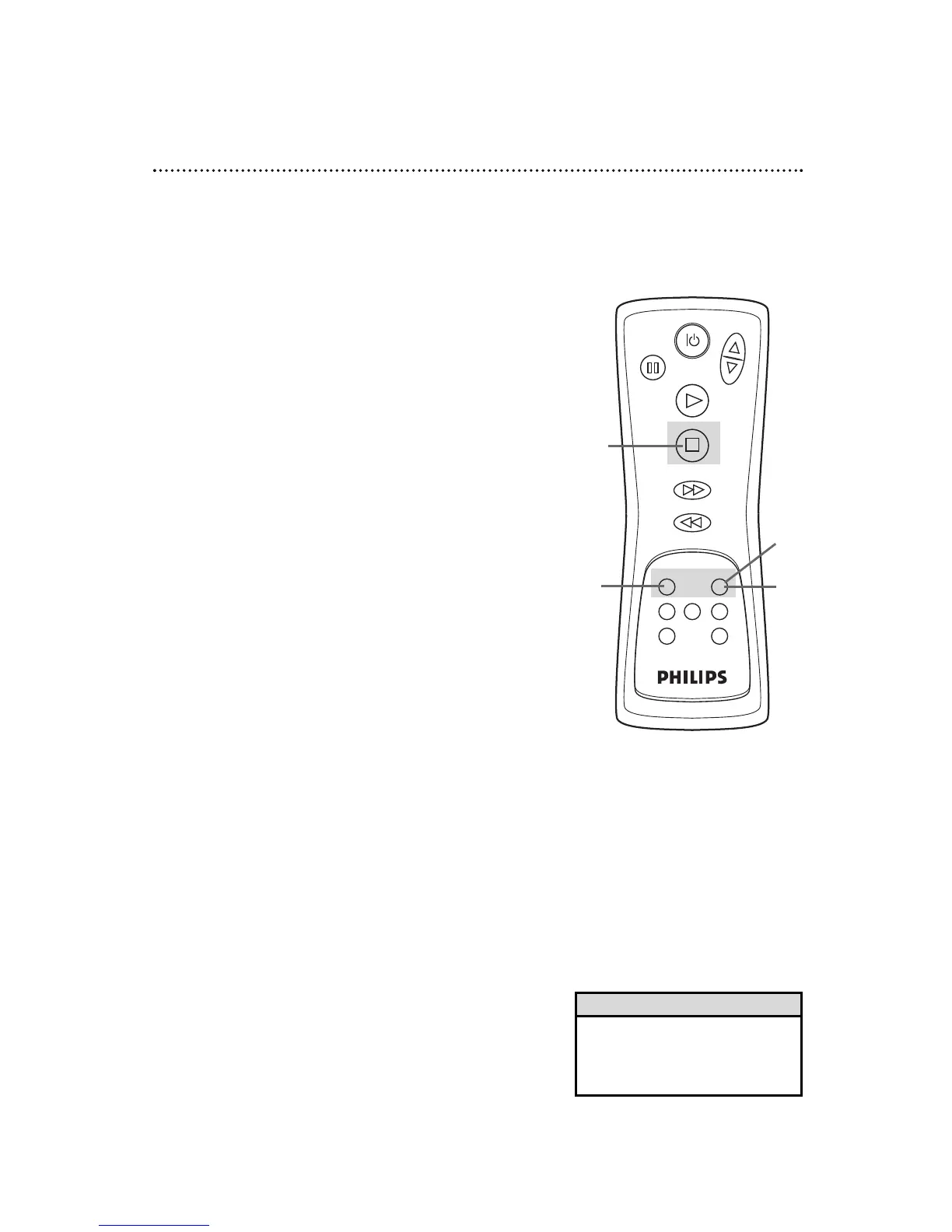
Press the RECORD button to start a recording of the cur-
rent channel. Details are on page 24.
Recording One Channel/Watching Another 31
2
Press the VCR/TV button to put the VCR in TV position.
The VCR/TV light will disappear.
3
Use the TV remote control to select the channel you
want to watch at the TV.
4
To return to the channel being recorded, use the TV
remote control to select channel 3 or 4, whichever chan-
nel the CH3/CH4 switch on the back of the VCR is set to.
5
Press the VCR/TV button on the VCR remote control to
put the VCR in VCR position. The VCR/TV light will appear.
The channel being recorded will appear on the screen.
6
To stop recording, press the STOP button.
• If you use a Cable Box/DBS, you
may not be able to watch one chan-
nel while recording another. Details
are on pages eight-nine.
Helpful Hint
1
6
Select the channel you want
to watch at the TV.
3
2
5
Set the TV to channel 3 or 4.
4



 To Next Page