Picture Select 35
3
Within five seconds, press the F.FWD button until your
desired mode (NORMAL, SOFT, or SHARP) appears on
the screen.
You can select the picture quality of a tape.
Make sure:
● The VCR is on and is in VCR position. The VCR/TV light will
appear. If it does not, press the VCR/TV button once.
● There is a tape in the VCR.
1
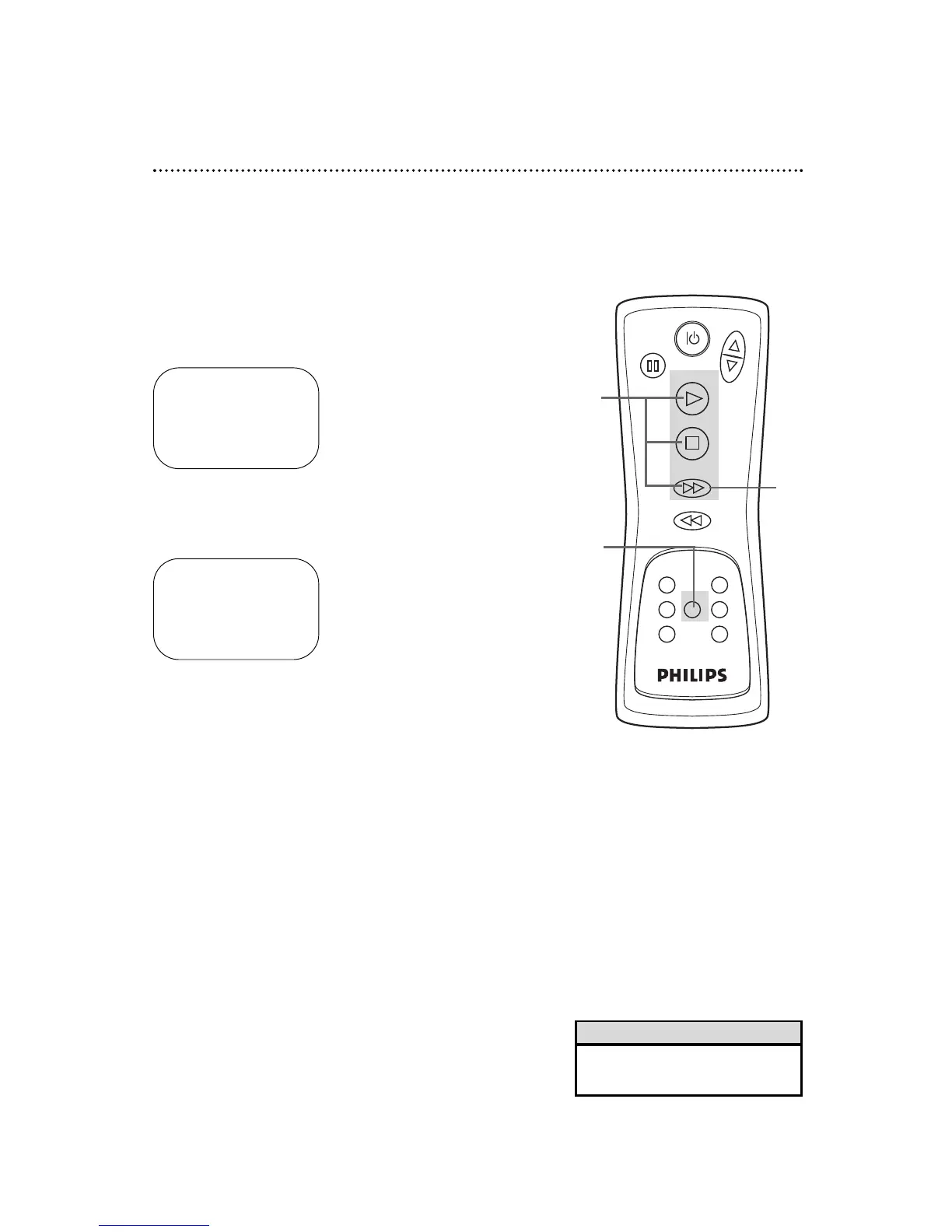
During tape playback, press the MENU button until the
main menu appears.
2
Press the PLAY button or the STOP button repeatedly to
select PICTURE SELECT. Then, press the F.FWD button.
• You may only change the Picture
Select setting during tape playback.
Helpful Hint
2
1
- M E N U -
B TIMER PROGRAMMING
AUTO REPEAT [OFF]
PICTURE SELECT
CHANNEL SET UP
CLOCK SET
LANGUAGE SELECT
- M E N U -
TIMER PROGRAMMING
AUTO REPEAT [OFF]
B PICTURE SELECT
CHANNEL SET UP
CLOCK SET
LANGUAGE SELECT
3



 To Next Page