GB9
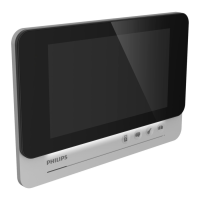
WelcomeEye Connect 2 / Touch / V4
Connecting a monitor to the WiFi network MANUALLY
1. From the monitor, go to then and activate the WiFi:
2. Go to , and the following menu appears:
Note: If the icon does not appear on the second line, reset the WiFi by clicking on
, then wait for the icon to appear (about 30 seconds).
3. Press
4. Click on manual WiFi conguration
5. Your monitor will automatically detect all the WiFi networks nearby. Select your internet
box.
6. Then enter the WiFi key of your internet box manually and conrm.
7. The monitor will automatically revert to the info menu.
8. Wait until the icon shows a steady .
9. The monitor is connected.
10. Please follow the "add a smartphone to a connected videophone" procedure below. The
password for the monitor is 123456


 To Next Page
 Loading...