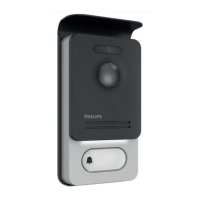
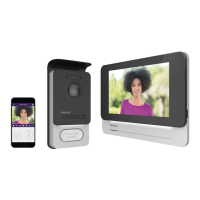
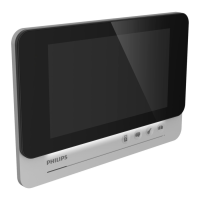
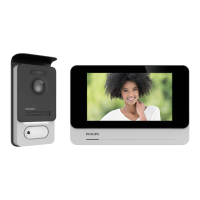
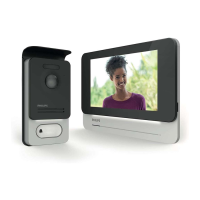
WelcomeEye / Link / V1
F25
Make sure that your phone is connected to the same 2.4GHz WiFi network as the Hue
connector.
On the home page, press “Ajouter un appareil” (Add a device), select PHILIPS, then
press “Continuer” (Continue).
This takes you to a recognition page.
Enter your Philips WelcomeHome account password and press “Connexion” (Login).
This will take you back to your home page in web format.



 To Next Page
 Loading...