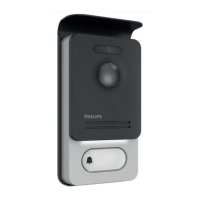
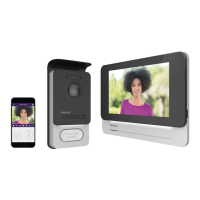
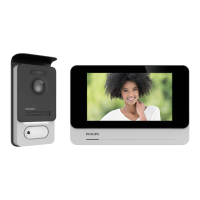
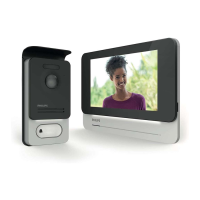
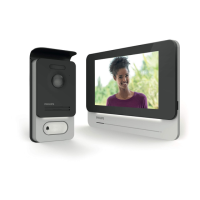
WelcomeEye / Link / V1
F31
- The app will close to run in the background
Note: When your Android TV is turned o, apps stop automatically (same as on a
smartphone). If this happens, you will need to restart the app. On most Android TVs, apps
do not shut down during standby mode.
- When someone presses the call button on the Philips WelcomeEye Link videophone, you
will receive an alert notication in the bottom right corner of your screen that someone is
ringing.
(Example: “Doorbell is ringing”)
D - Displaying the Philips WelcomeEye Link video stream on your Android TV when someone
rings the bell
- If you want to display the video stream of your Philips WelcomeEye Link videophone
whenever someone presses the call button, you need to create a scenario on your Philips
WelcomeHome smartphone app.
To create a scenario:
1 - In the menu bar, at the top of your home screen, press '' ''
2 - Select “Ajouter un scénario” (Add a scenario)
3 - Add an action
- Select “Appareil” (Device)



 To Next Page
 Loading...