▪
▪
Local loudspeakers – all secondary mixer output level
o
Mute: to silence the line. The line inputs default to mute when mixing is applied to
microphone inputs.
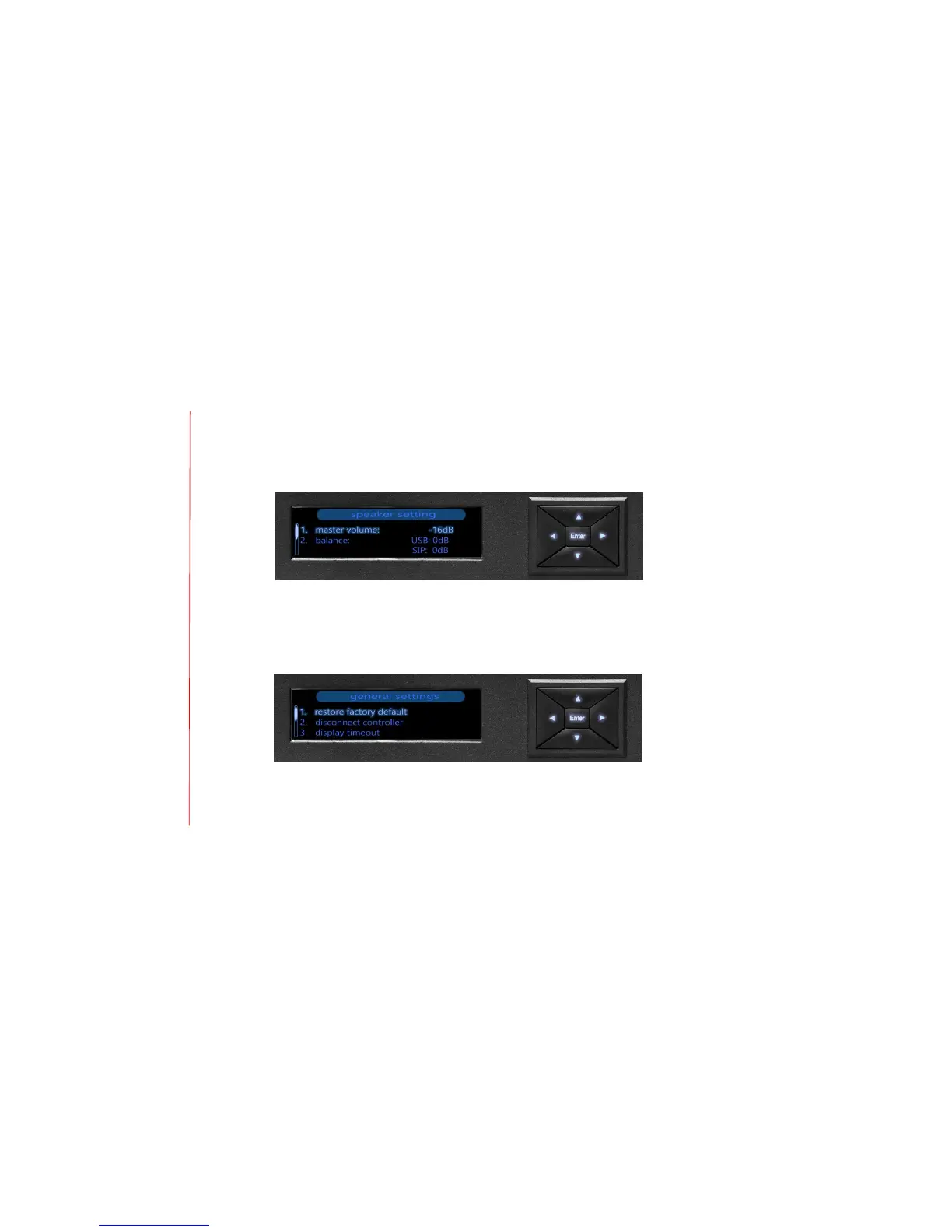
5. Speaker setting
Use the speaker setting to control the maximum output level transmitted to
loudspeakers via the master volume. Also use this option to balance the level of USB, SIP
or analog audio inputs.
6. General settings
Configure general settings to:
o
Restore the MT700 Stingray Mixer settings to the factory default
o
Manually disconnect the dashboard interface to pair a new device


 To Next Page