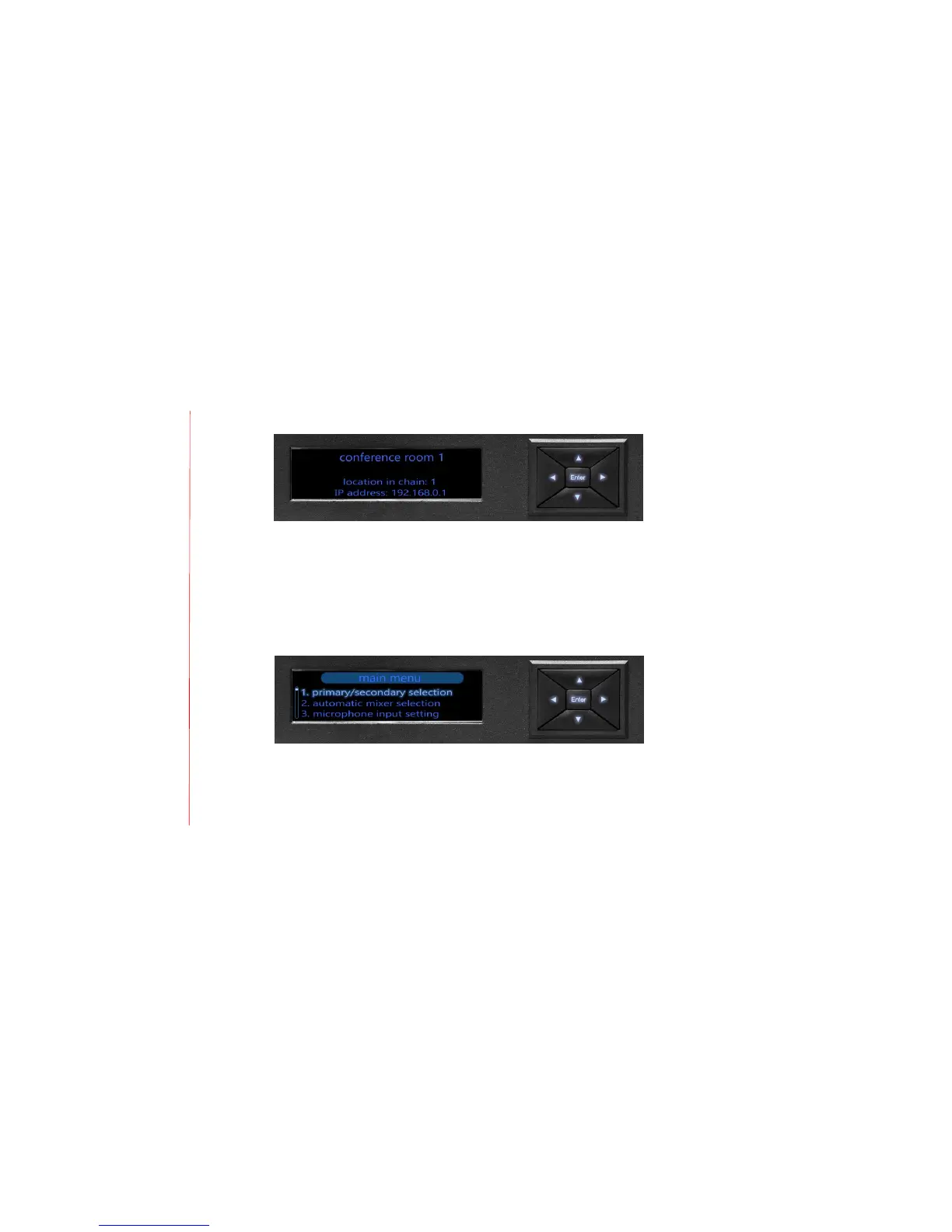
Mixer Settings
To configure the MT700 Stingray Mixer, select from the seven options on the menu-access
screen. When ready to make a selection, press either the center [ENTER] keypad button, or the
keypad’s rightward directional [>] or downward directional [v] button. To return to a previous
screen press the leftward directional [<] or upward directional [^] button.
Configuration options
1. Primary/secondary selection
Use this option to identify and select primary and secondary MT700 Stingray Mixer(s)
connected in a daisy chain. A primary mixer is the unit connected directly to your
intended communication mode – SIP, USB, or analog, for example. Designating a daisy-
chain primary mixer automatically opens its connection to your intended communication
mode and applies all primary settings to the secondary units that follow. When you


 To Next Page