designate a primary unit in the daisy chain, you disconnect from your communication
mode any other mixer that precedes it in the chain.
Designating a secondary mixer in a daisy chain automatically deactivates its direct
connection to your communication mode and instructs the secondary mixer to inherit all
settings assigned to the primary mixer.
If you attempt to connect a mixer that has been added to a daisy chain incorrectly, you
receive the error message, “can’t be set as secondary.”
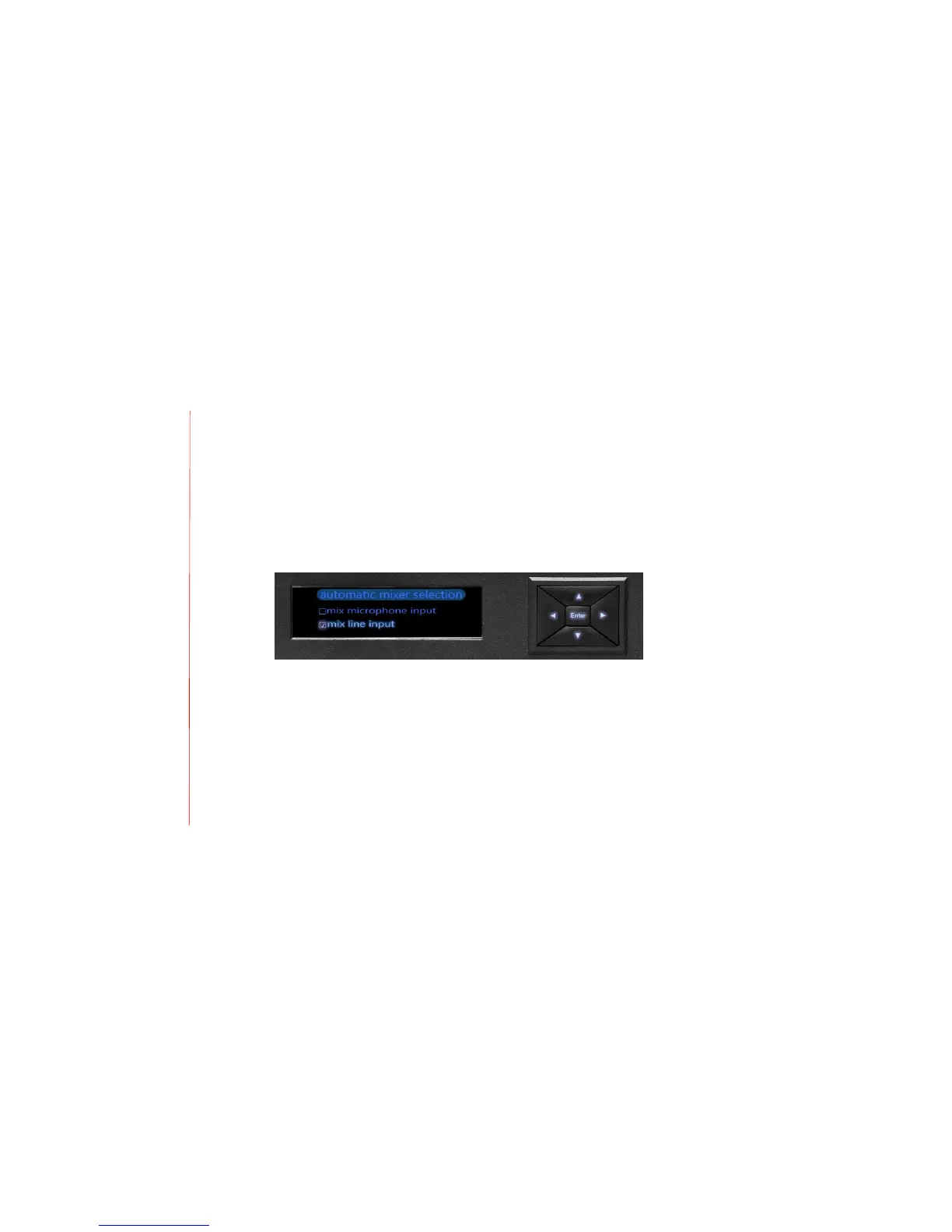
2. Automatic mixer selection
Use this option to select from one of two settings:
1) Mix microphone input
2) Mix line input
When you select mix microphone input, the DSP processes and “beamforms” – or focuses
the voice signal – the microphone input, then adds the line input. All microphone input
from primary and secondary mixers in a daisy chain are mixed together, with automatic
mixing controlled by the primary mixer. The unit mixes input from any networked
secondary mixer(s) and transmits the signal upward in the daisy chain to its primary
mixer, The primary mixer mixes in its microphone input automatically and transmits the


 To Next Page