final signal to analog, USB, and SIP outputs via its own, unique channel.
When you select mix line input, the DSP processes the line input and disables the mix
microphone input automatically. All line inputs from both primary and secondary mixers
networked in a daisy chain are mixed together. The unit mixes input from any networked
secondary mixer(s) and transmits the signal upward in the daisy chain to its primary
mixer. The primary mixer mixes in its line input automatically and transmits the final
signal to analog, USB, and SIP outputs.
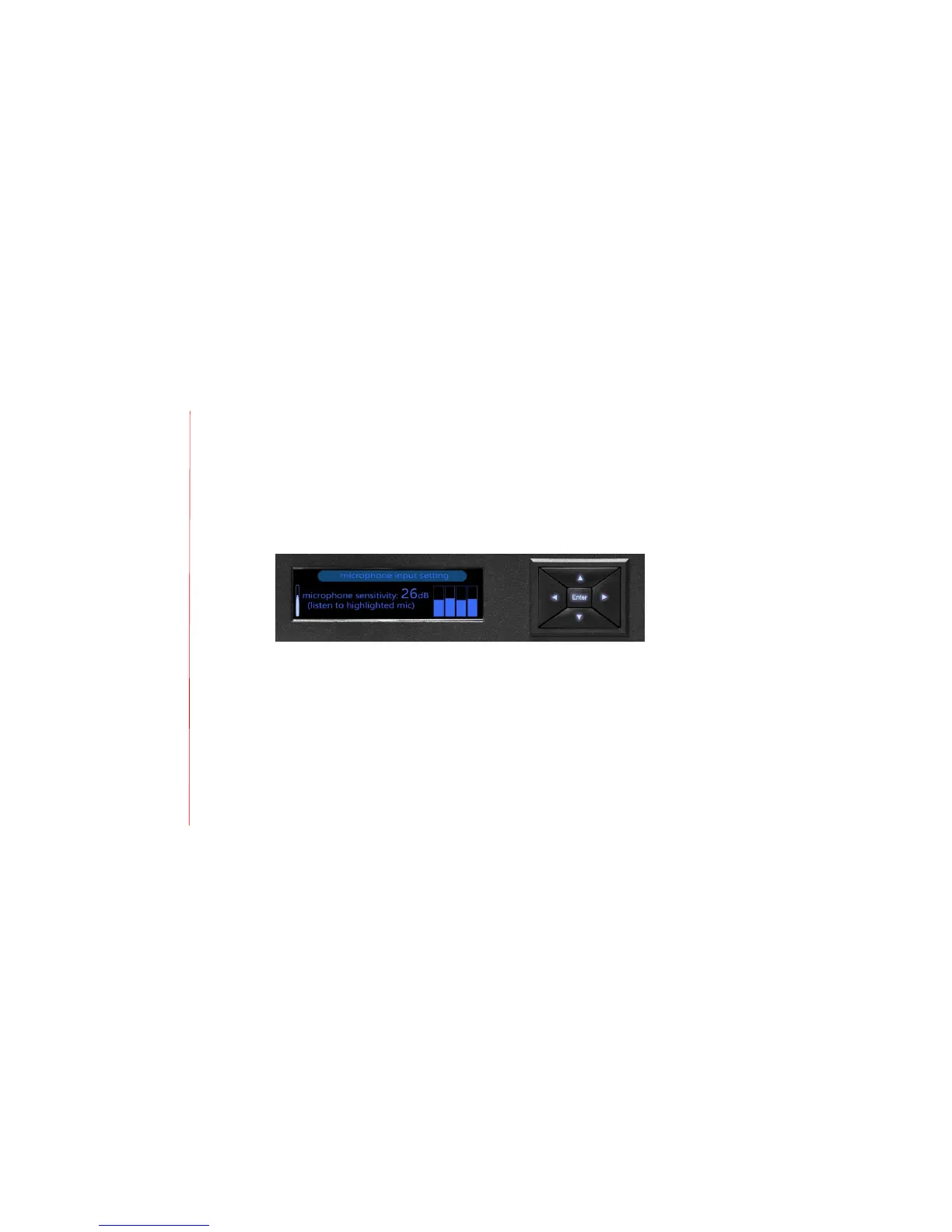
3. Microphone input setting
Use the microphone input setting to control individual microphone sensitivity within a
group of microphones. To help set audio levels, the MT700 Stingray Mixer detects
microphone sensitivity and displays it graphically. Use the directional keypad on the LCD
screen to select and isolate a microphone. Then listen to the microphone line in using
either headphones or a loudspeaker connected through the monitor output or speaker
output lines. A mute request from any single microphone mutes all the connected
microphones.


 To Next Page