Configuration and diagnostics in web-based management
107065_en_01 PHOENIX CONTACT 39
– STATIC: static IP address
– BOOTP: assignment via the Bootstrap protocol
– DHCP: assignment via a DHCP server
IP address: set the desired IP address.
Network mask: set the desired subnet mask here.
Default gateway: set the desired default gateway here.
Administrator password: you can change the administrator password here.
Device Name: you can enter the device name of the switch here.
Device Description: you can enter a description for the device here.
Physical Location: you can enter a location for the device here.
Device Contact: you can enter the name of a contact person for the device here.
LLDP Mode: you can enable or disable LLDP here.
– Disable: LLDP is deactivated
– Enable: LLDP is activated
– Send only: received LLDP BPDUs are ignored
– Receive only: no LLDP BPDUs are sent
The “LLDP Topology” link opens the corresponding page which can also be accessed via
the menu item of the same name (see “Link Layer Discovery Protocol (LLDP)” on page 65).
5.2.2.3 Network
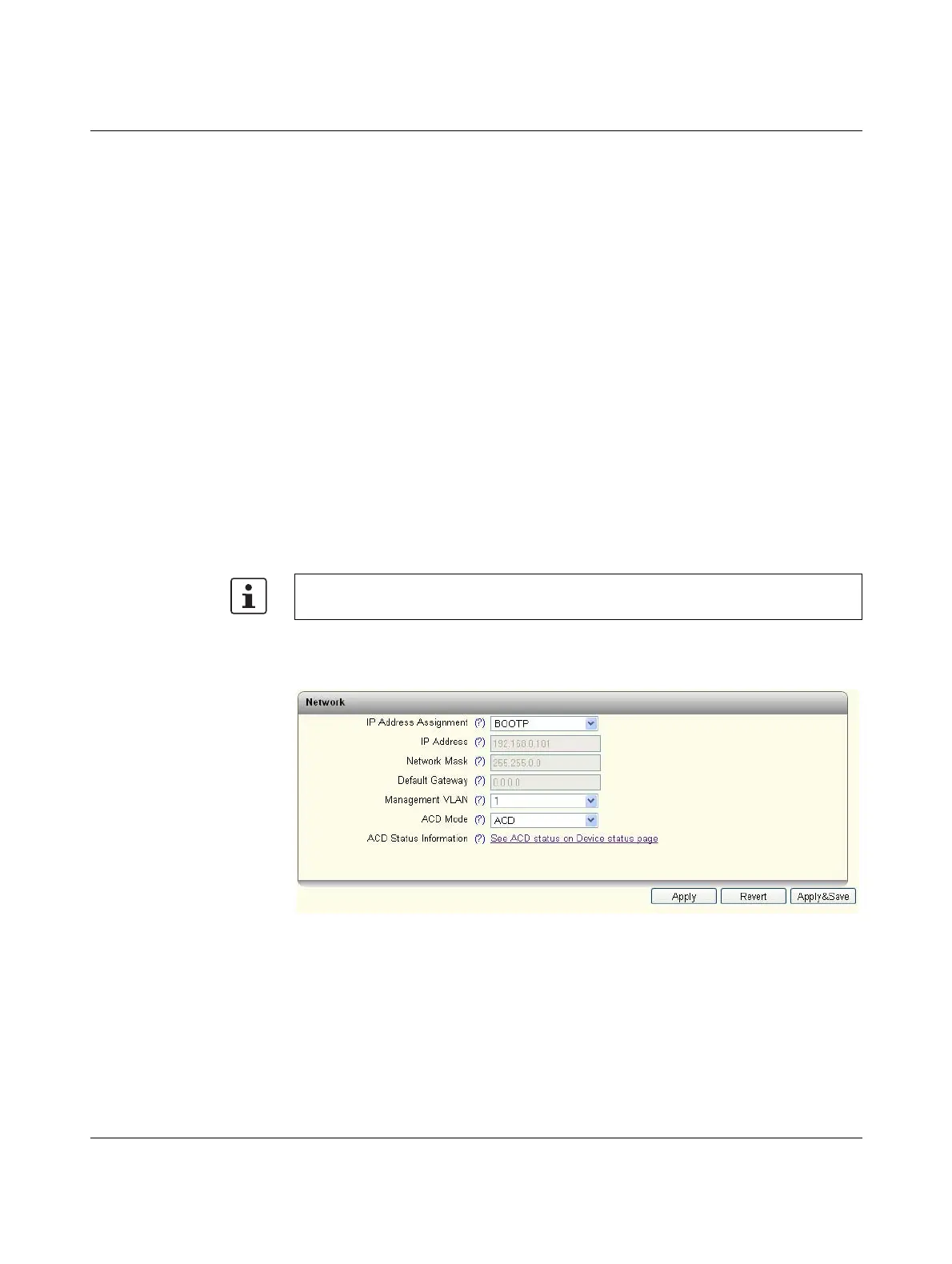
The basic network settings are made here.
Figure 5-18 “Network” web page
IP Address Assignment: select the type of IP address assignment.
– STATIC: static IP address
– BOOTP: assignment via the Bootstrap protocol
– DHCP: assignment via a DHCP server
If you have chosen “STATIC”, now make the following settings:
IP Address: set the desired IP address.
Port-based LLDP configuration can be found on the “Service” page (see “Service” on
page 40).







 To Next Page