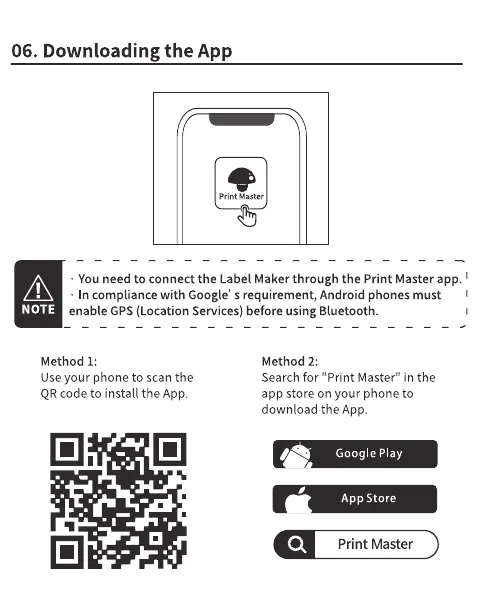
06. Downloading the App
NOTE
Print Master
• Youneedto connectthe Label Makerthrough the Print Masterapp. I
• In compliance with Google' s requirement, Android phones must
enable GPS(Location Services) before using Bluetooth.
Method 1:
Useyour phone to scan the
QRcode to install the App.
Method 2:
Search for "Print Master" in the
app store on your phone to
download the App.
Google Play
App Store
Print Master



 To Next Page