22
9. On/O
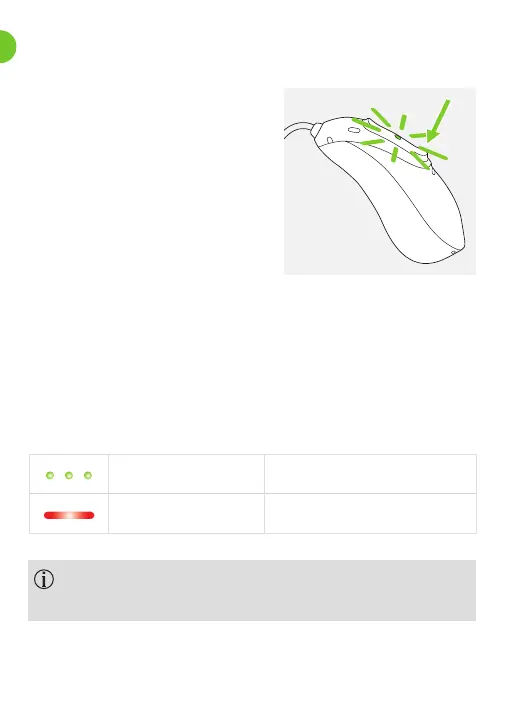
Switch on CROS device
The CROS device can be
congured to switch on
automatically when removed
from the charger. If this
function is not congured,
rmly press and hold the lower
part of the button for 3 seconds
until the indicator light blinks. Wait until the solid green
light indicates the CROS device is ready.
Switch o CROS device
When you switch on the CROS device you might hear
a start-up melody on the hearing aid side
Press and hold the lower part of button for 3 seconds
until the solid red light indicates the CROS device is
switching o.
Blinking green CROS device is switching on
Solid red for 2 seconds CROS device is switching o

 To Next Page
 Loading...