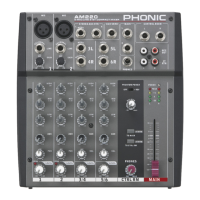
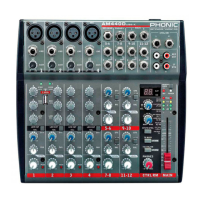
INTRODUCTION...............................................1
FEATURES..................................................1
COMPUTER CONNECTION (USB MODEL)..........................1
GETTING STARTED...................................2
CHANNEL SETUP .............................................2
MAKING CONNECTIONS...........................................3
Inputs and Outputs...........................................3
Rear Panel ...............................................4
CONTROLS AND SETTINGS.........................................5
Rear Panel......................................................5
Channel Controls.............................................................5
Digital Effect Processor.................................................6
Master Section................................................7
USB Player....................................................9
AM642D USB Only..........................................................9
SPECIFICATIONS.......................................................10
APPENDIX
DIMENSIONS...............................................1
DIGITAL EFFECT TABLE.......................................................1
APPLICATION.....................................................2
BLOCK DIAGRAMS...................................................................3
CONTENTS
USER'S MANUAL
Phonic preserves the right to improve or alter any information within this
document without prior notice
English


 To Next Page