● It is not recommended that you continue using PAA6 for any measurements when the battery is low.
Always ensure you have the charger on hand, just in case.
● Push and hold the power button for 3 seconds to turn the unit off. In the unlikely event that the PAA6
crashes, push and hold the power button for 10 seconds to turn it off.
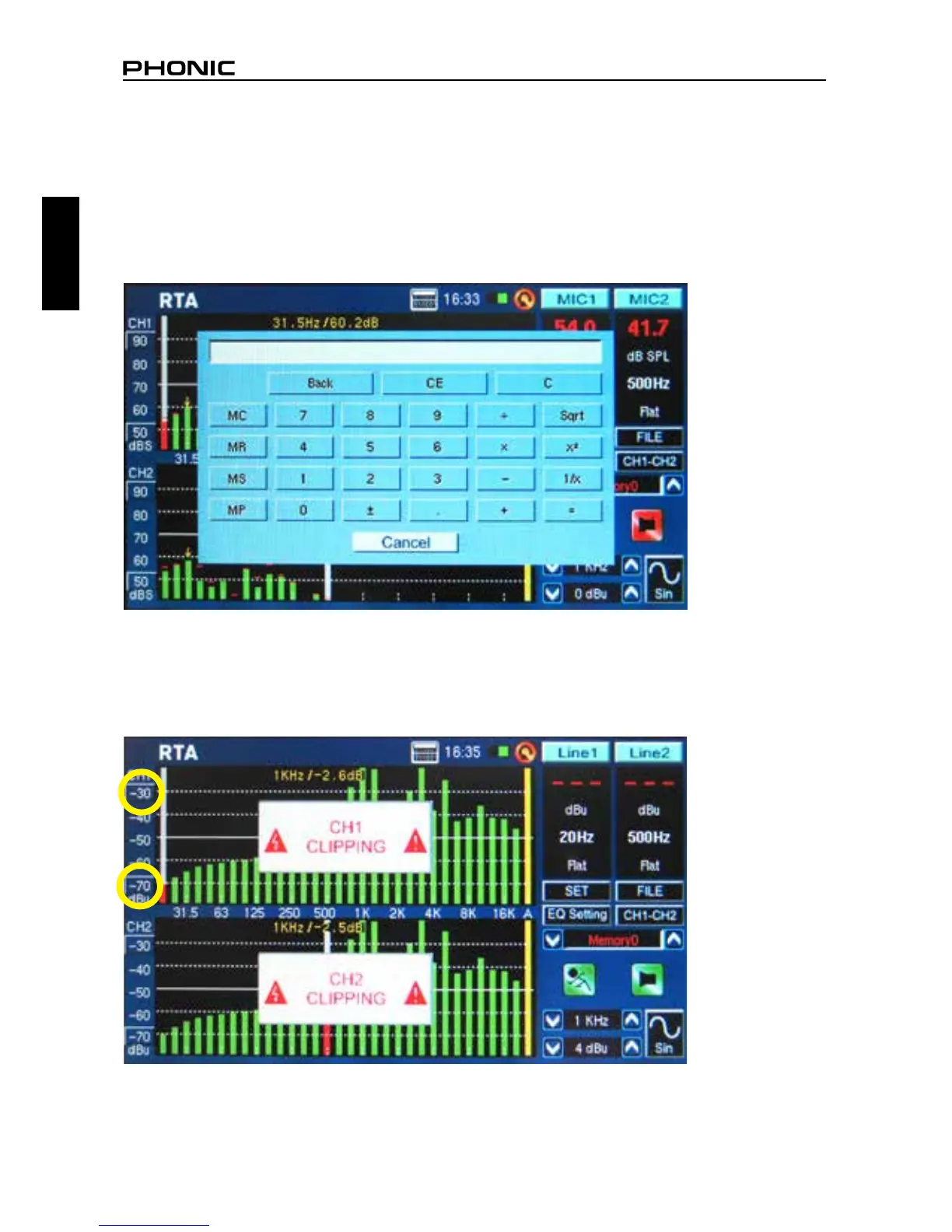
● If you need to make quick calculations, the PAA6’s calculator can be brought up without quitting
your current function (gure 8).
● Particularly usefully in RTA mode: if you’re nding that one or more of your channels is clipping con-
tinuously, just nd the ‘dBS’ or ‘dBu’ values to the left of the screen (see gure 9 and 10). Clicking
the very top value (which should be contained within a small square) will scroll your window up and
give you higher readings – without the clipping.
figure 8
figure 9


 To Next Page