OPERATING TIPS
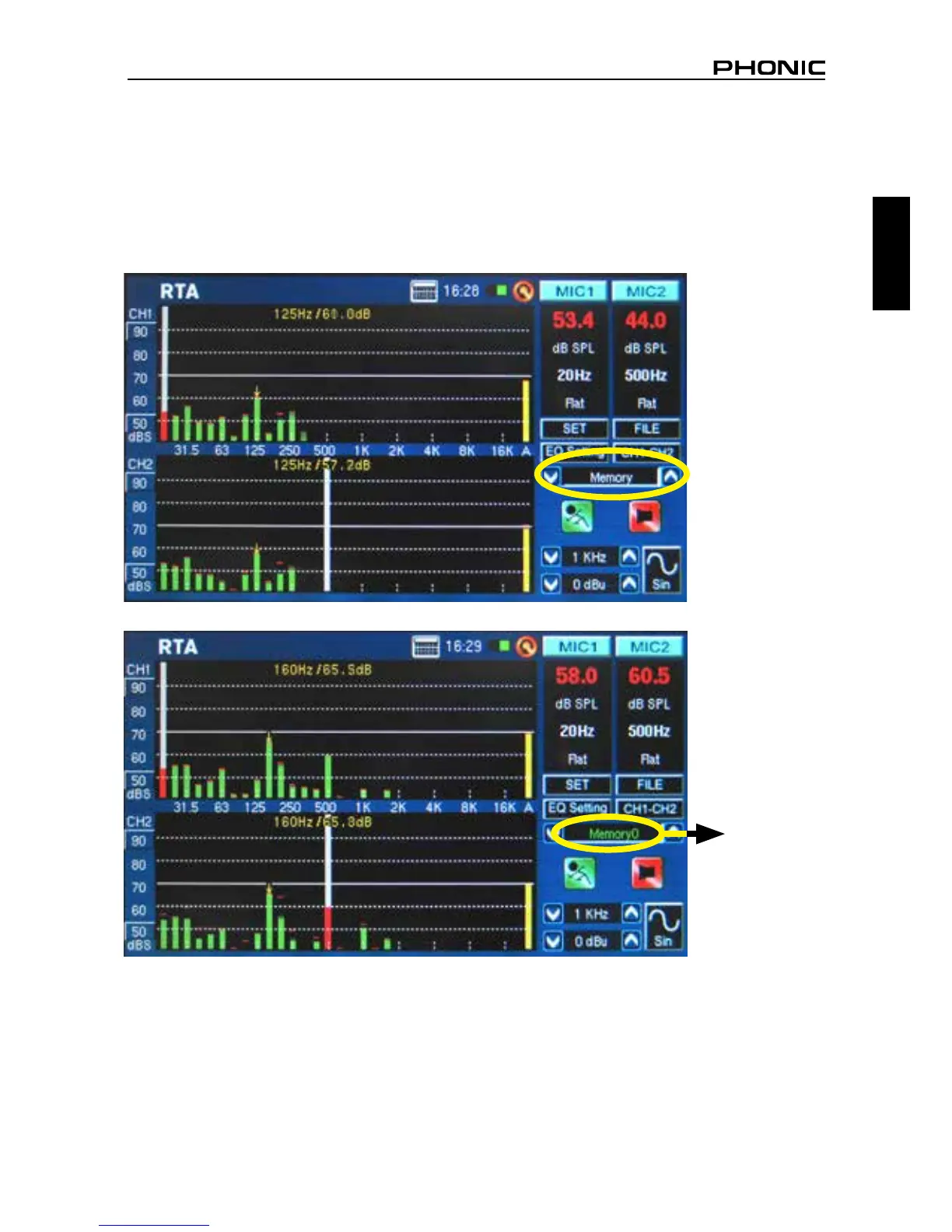
● Save your readings quickly using the touch screen. On the right hand side of the display there is a
window that reads “Memory” followed by a slot number (0, 1, 2, 3, and so forth). Push the up and
down arrows (gure 1) to change the memory slot number, click the memory slot name to save.
Green text indicates that data has not yet been written to that slot (gure 2); red indicates that data
has already been written to that slot (gure 3).
figure 1
figure 2
Green


 To Next Page