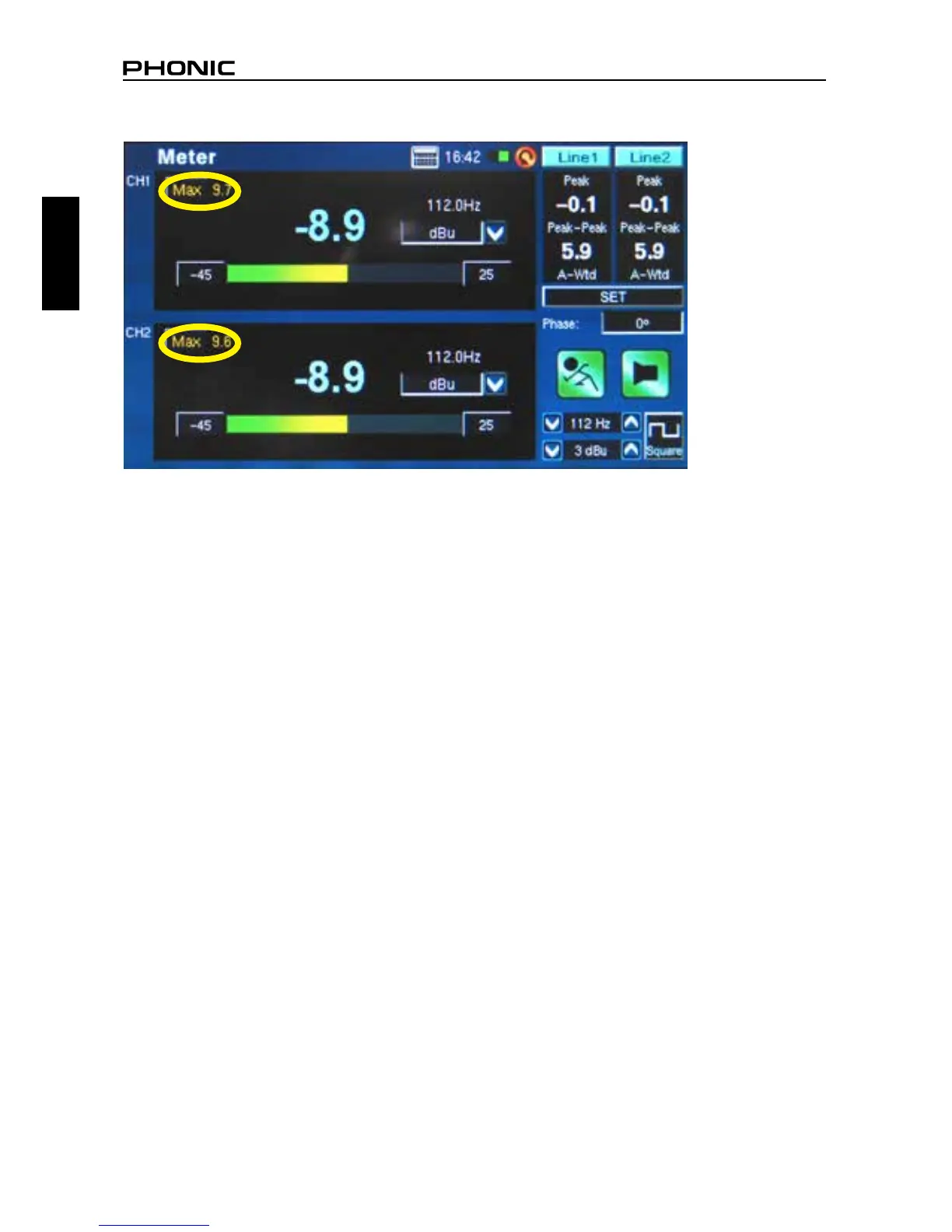
● To refresh the maximum SPL display, simply push the word “Max” on screen (gure 12).
● Pushing the Run/Stop and Signal Generator (S.G.) buttons on the left of the PAA6 may be quicker
than pushing the onscreen icons.
● The PAA6 cannot be charged through the USB connector. To charge the unit, the provided DC
power adapter needs to be connected to the PAA6.
● When the PAA6 is off and charging, the power LED will ash. This LED will stop ashing when the
battery is fully charged.
figure 12


 To Next Page