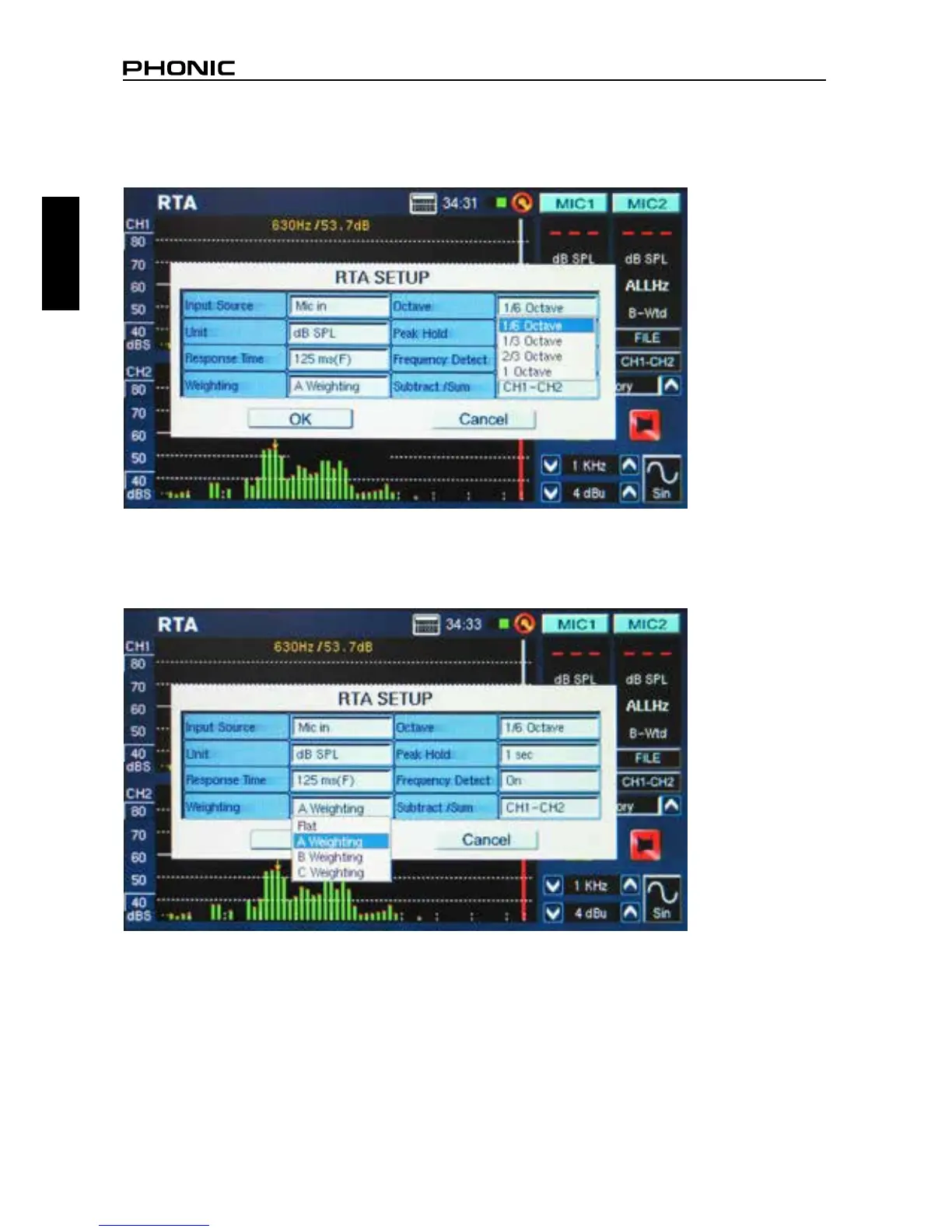
2. Select the ‘octave’ settings you wish to use for your calculations (gure 19). Users can select from 1
octave resolution (for a total of 10 bands on the RTA), 2/3 octave resolution (for a total of 15 bands),
1/3 octave resolution (for a total of 31 bands), or 1/6 octave resolution (for a total of 61 bands).
3. Also in the settings menu, set the appropriate weighting (gure 20). The most common weighting
used for acoustical analysis is perhaps A-weighting, as it closely mimics the conditions of human
hearing.
figure 19
figure 20


 To Next Page