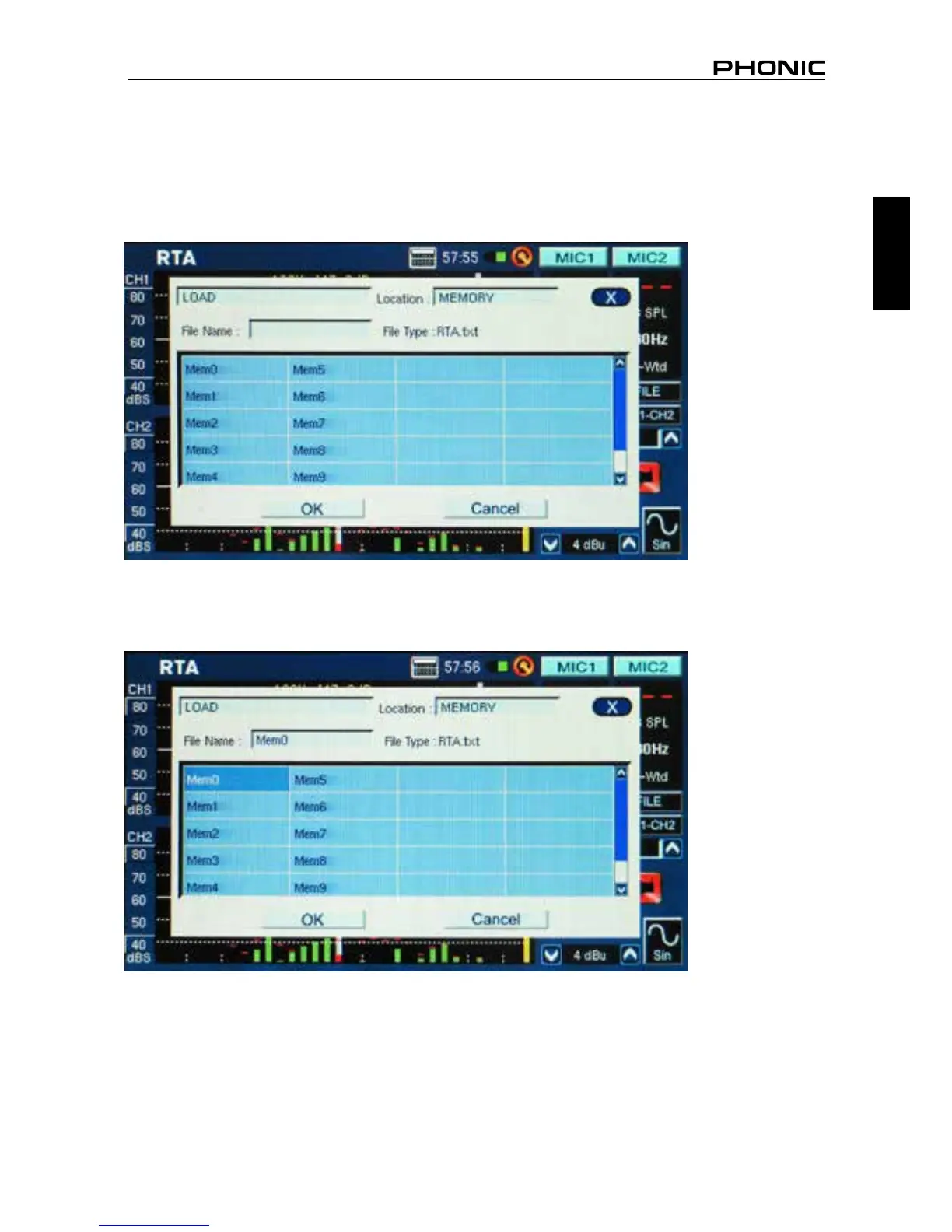
Load:
1. As in point 1 above, select the “FILE” icon.
2. Select LOAD from the pull-down menu found at the top right-hand side of the page (gure 61).
3. Select the location from which you wish to load your previously recorded data.
4. Select the le from the list that appears on screen (gure 62).
5. Push OK to continue.
6. Once you load any le, you can then use the Memory, Memory0, Memory1… menu (found to the
right of the function screen) to load recorded data directly from the PAA6 memory.
figure 61
figure 62



 To Next Page