page 16
POWERPOD User's Manual PHONIC CORPORATION
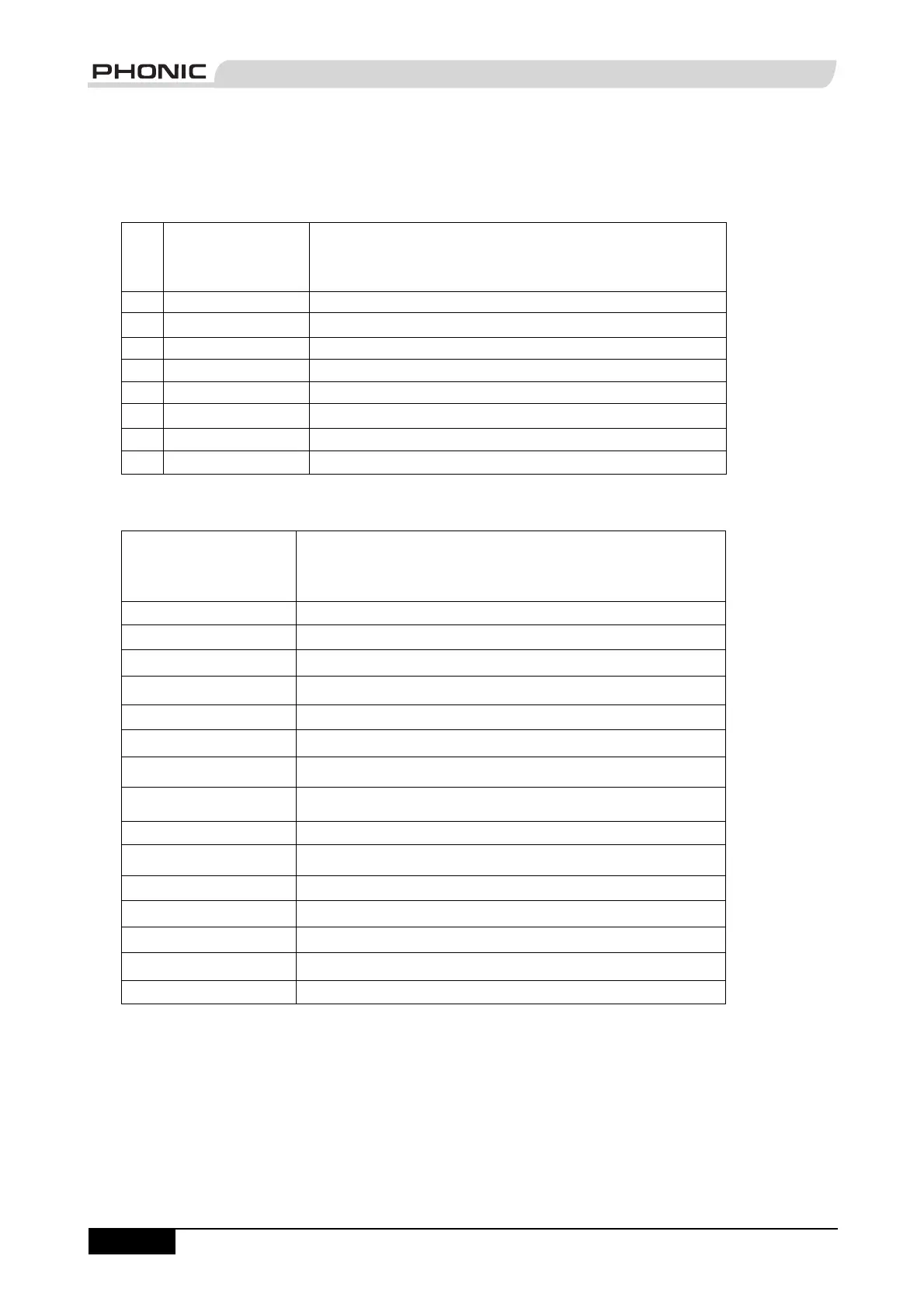
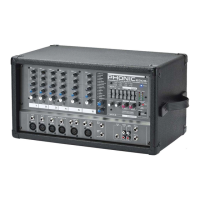
Powerpod 620 Deluxe Effects
No. Program Name Program Description
1 VOCAL 1 Ideal for Echo and Reverb of vocals
2 VOCAL 2 Ideal for Echo and Reverb of vocals
3 ECHO 1 Ideal for Echoing vocals
4 ECHO 2 Ideal for Echoing vocals
5 S. HALL Ideal for mimicking the acoustics of a Small Hall
6 L. HALL Ideal for mimicking the acoustics of a Large Hall
7 ROOM Creates acoustics similar to those of a Small Room
8 PLATE Simulates a Plate Reverb device, creating hard sounding Reverberation
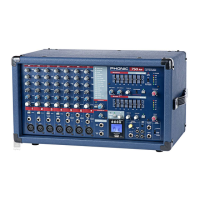
Powerpod 740 Deluxe Effects
Program Name Program Description
VOCAL 1 Ideal for Echo and Reverb of vocals
VOCAL 2 Ideal for Echo and Reverb of vocals
VOCAL 3 Ideal for Echo and Reverb of vocals
ECHO 1 Ideal for Echoing vocals
ECHO 2 Ideal for Echoing vocals
S. HALL Ideal for mimicking the acoustics of a Small Hall
M. HALL Ideal for mimicking the acoustics of a Medium Hall
L. HALL Ideal for mimicking the acoustics of a Large Hall
CATH.
Creates acoustics similar to those of a Cathedral
ROOM 1 Creates acoustics similar to those of a Small Room
ROOM 2 Creates acoustics similar to those of a Medium Room
PLATE 1 Simulates a Plate Reverb device, creating hard sounding Reverberation
PLATE 2 Simulates a Plate Reverb device, creating hard sounding Reverberation
GATE REVERB Produces effect by cutting the reverberation
FLANGE Adds a sense of pitch to the sound
DIGITAL EFFECT TABLES


 To Next Page