32
System SET-UP
MENU AUDIO/VIDEO/SISTEMA
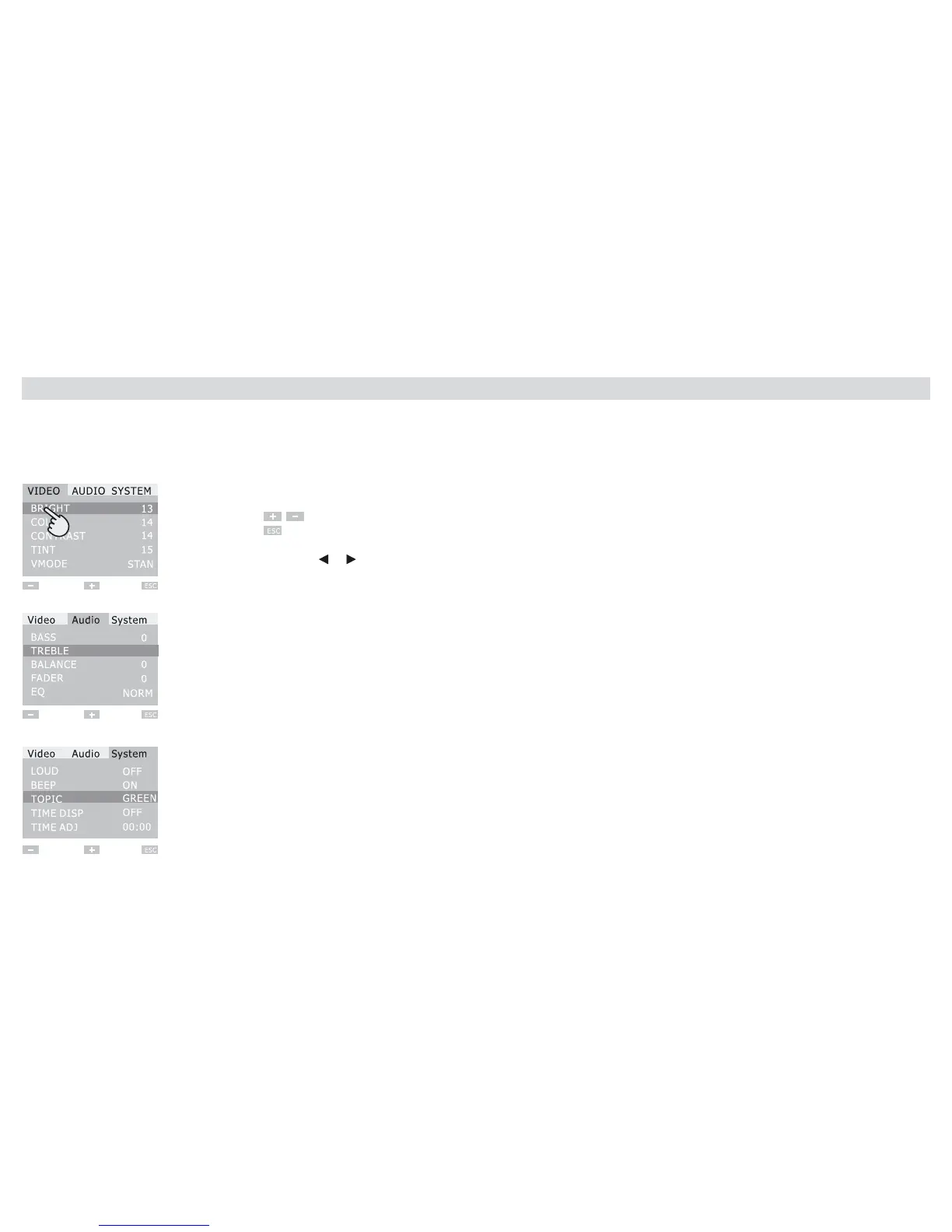
To enter the Setup-Menu, press the MENU-key:
Video mode: Change Menu-Settings
Touch the requested Menu-options
on the screen.
Press to effect setting
Press to conrm and leave mode
Note: the settings can be effected also by
means of: keys (direction-arrows)
Knob; rotate to effect settings;
then press to conrm.
Audio mode:
System mode:
SETUP VIDEO
• BRIGHTNESS - COLOUR - CONTRAST
TINT
• VMODE/Video-Setting Mode
STAND/STANDARD - USER/PERSONALIZED – SOFT - BRIGHT
SETUP AUDIO
• AUDIO SETUP: BASS-TREBLE-BALANCE-FADER
SETTING-RANGE BETWEEN -7 AND +7
• EQ SETTING: AUDIO-EQUALIZER-SETTING
NORM
ROCK
POP
CLASSIC
SYSTEM-SETUP
•LOUD ON/OFF
•BEEP ON/OFF
•COLOUR OF SCREENSAVER-THEME
RED/YELLOW/BLUE/GREEN/DEMO
•TIME DISPLAY ON/OFF VISUALIZES Time on the screen
•TIME ADJ allows Time-setting
CLOCK-SETTING:
Press the digit of the related Hour on the screen and + O – to effect setting
Press the digit of the minutes and + O – to effect setting
Press ESC to conrm and leave mode.
System-Setup



 To Next Page