33
GBBluetooth
The BLUETOOTH-function is a short-distance, wireless data-transmission
method. By means of the BLUETOOTH-function, the DVD-player creates a
connection towards a pre-determined portable Device. In this way, the
DVD-player con act as a hands-free unit.
SELECT BLUETOOTH-MODE
Method:
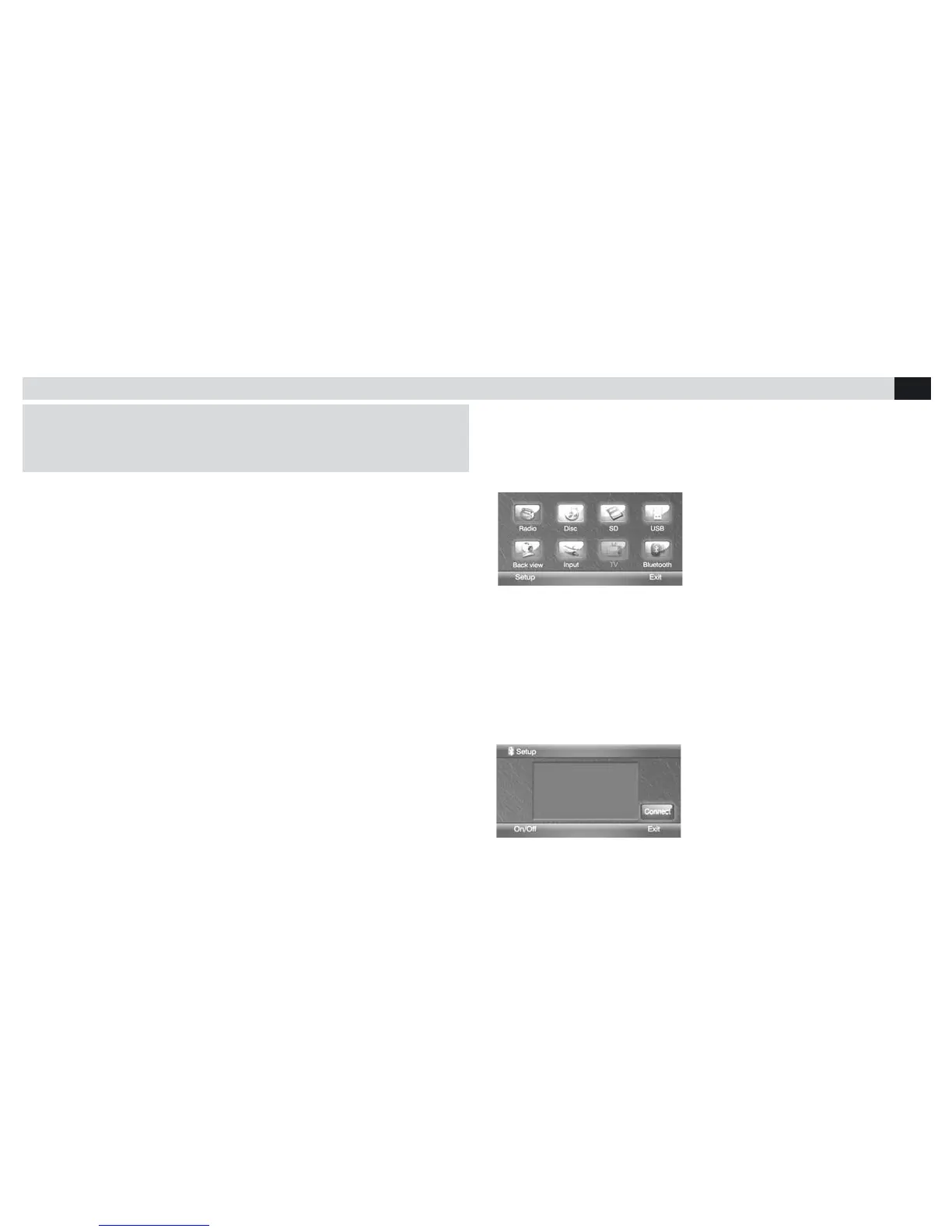
A. Press SOURCE, to enter the Main Menu.
B: Press BLUETOOTH-icon shown on the screen (Figure n°.1)
BLUETOOTH-MODE ACTIVATION
Bluetooth offers following functions:
PARING: paring with a new portable device
CONNECTING: connection with the pared device
PARING
To effect telephone-paring, procede as follows:
Switch-on BLUETOOTH; enter the BLUETOOTH-mode by pressing related
icon from the Main menu; press Setup; press ON/OFF (Figure n°.2)
As soon as the phone recognizes the Player, introduce the paring-code
"0000". When paring is correctly accomplished, display will signal
"CONNECTED". Press "EXIT" to leave the BLUETOOTH Setup-mode
(N.1)
(N.2)



 To Next Page