Wi-Fi 12
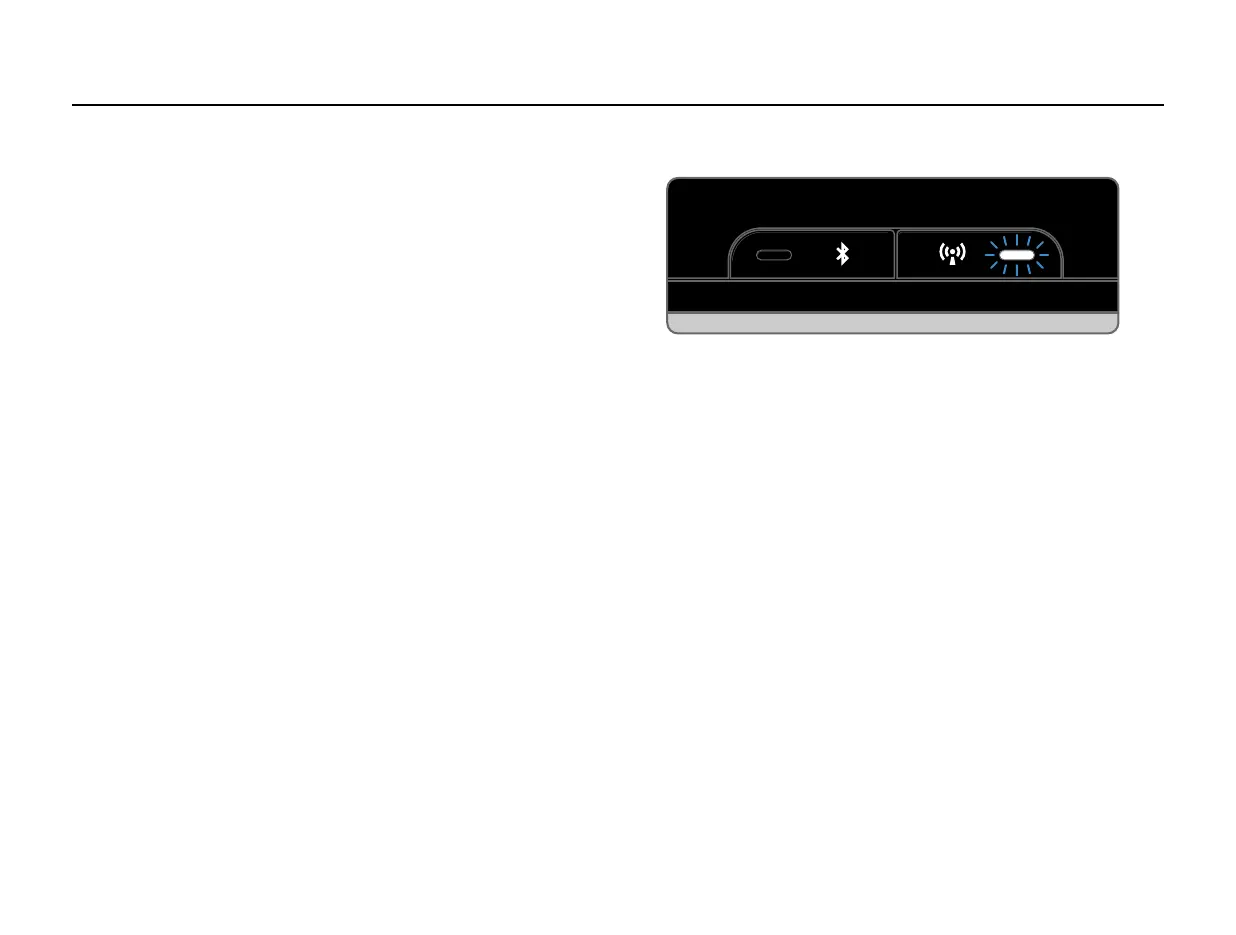
The Wi-Fi light tells you what your PS1 Speaker is
thinking:
• Fast Blink – Attempting to connect or
connecting to a Wi-Fi router
• Slow Pulse – Setup Mode
• Two Blinks + Pause – WPS Mode
• Solid - Connected to router
The Wi-Fi button is used only for entering/exiting
a Wi-Fi setup mode. To enter WPS set up mode,
hold the button until you hear one chime. To
enter Standard Wi-Fi set up mode, hold the
button longer, until you hear two chimes. To
cancel out of either Wi-Fi set up mode, press the
button once.
See the Setup section for Standard Wi-Fi Setup
or WPS Setup.
Wi-Fi


 To Next Page