Holding And Charging Your Android Device 5
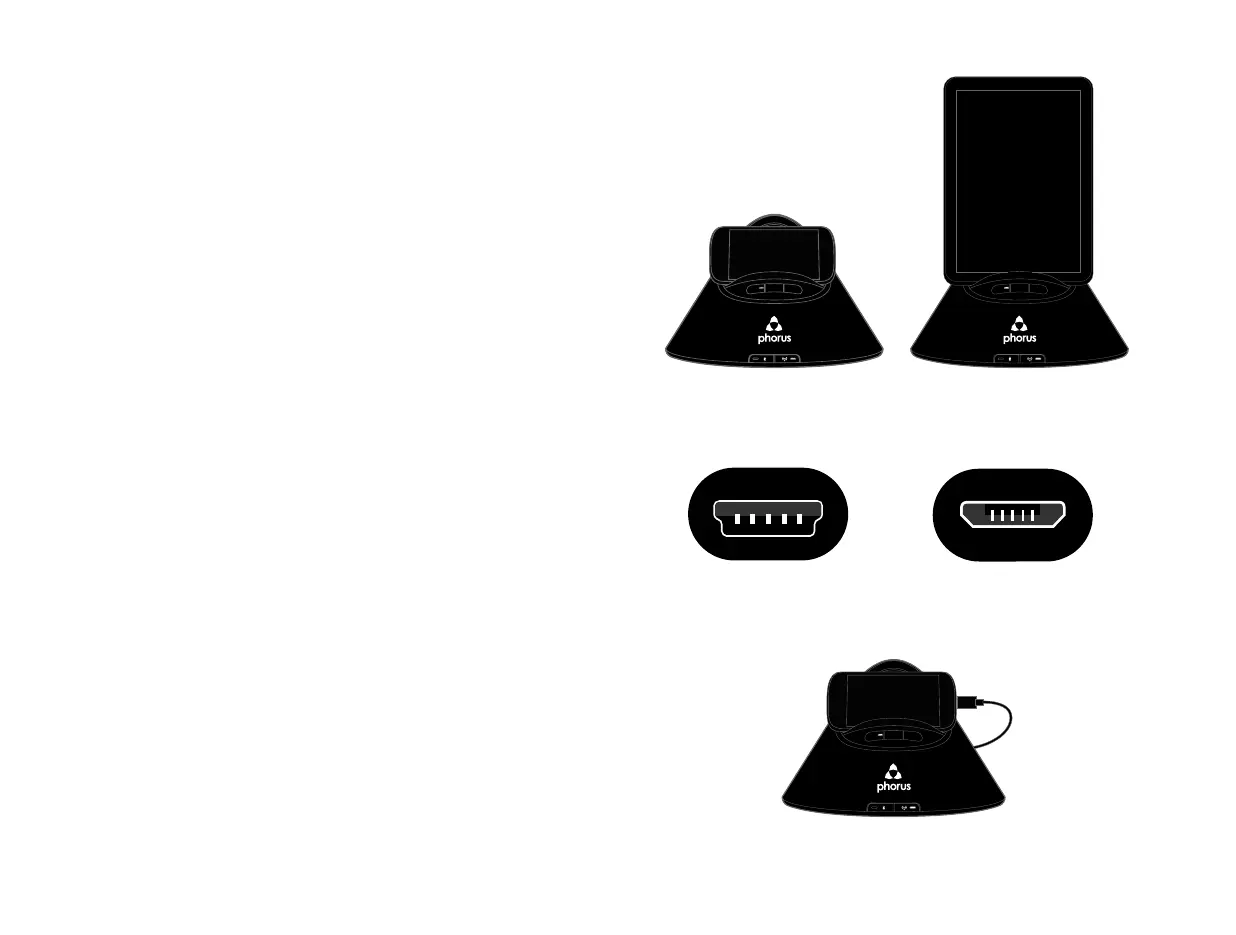
Your PS1 Speaker is designed to hold a wide
variety of Android phones and tablets in
landscape or portrait orientation.
Your PS1 Speaker comes with two USB cables
for charging your Android phone or tablet. Both
USB cables are specially designed for charging
only. They cannot be used to transfer data.
If your Android’s charging jack is located at the
bottom of the device the Android should be
placed in the holder in its landscape orientation.
Holding And Charging Your Android Device
Phone (landscape)
Charging
Mini USB
Tablet (portrait)
Micro USB


 To Next Page