Bluetooth 15
In addition to Wi-Fi you can also stream audio to
a single PS1 Speaker using Bluetooth. This is
useful if you want to stream from an non-Android
device or if a Wi-Fi network is not available. This
is how you set up a Bluetooth device:
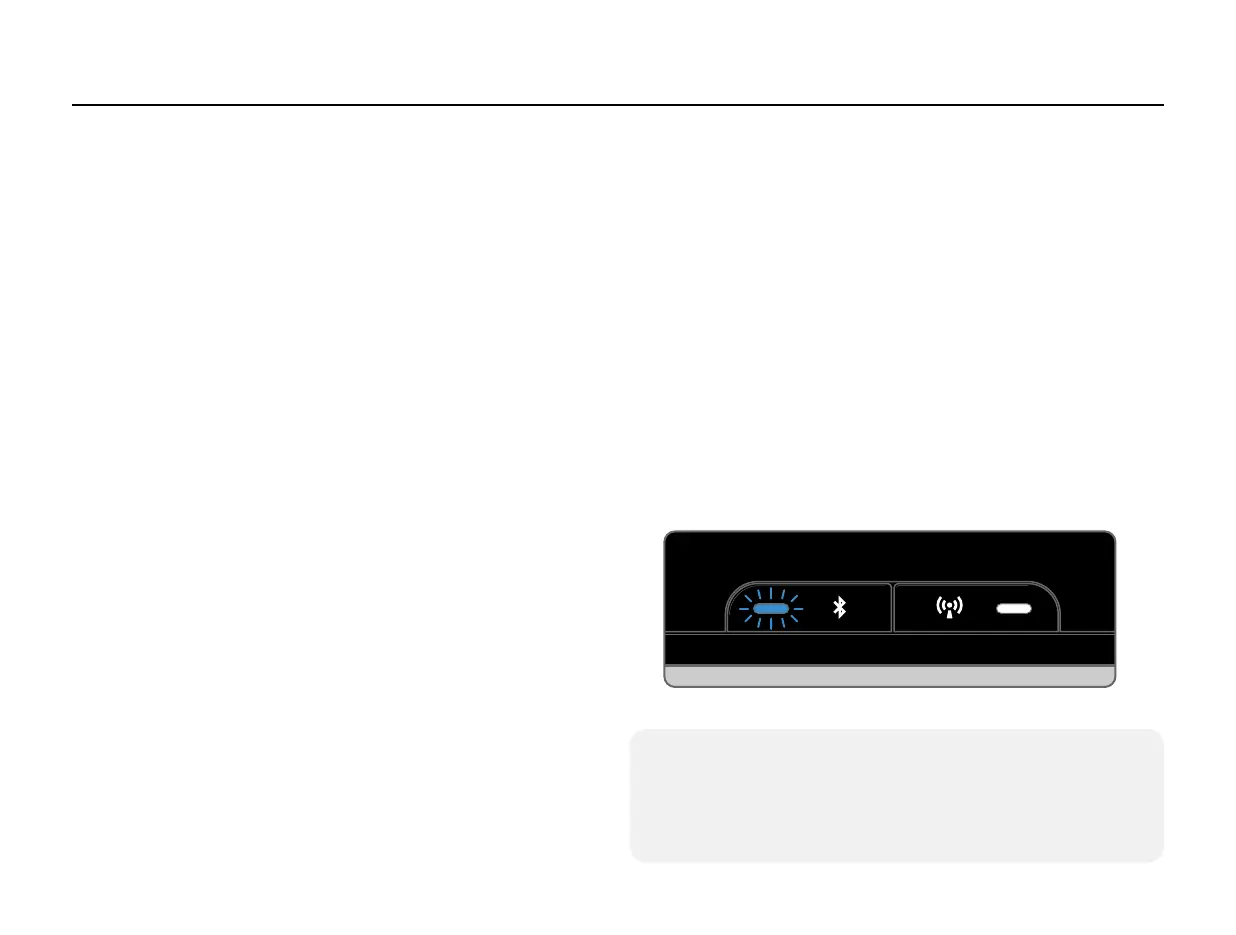
1. On your PS1 Speaker, hold the Bluetooth
button down for 3 seconds (until the blue light
comes on). When the Bluetooth light is pulsing it
is in Bluetooth Setup Mode.
2. Turn on your Android phone or tablet’s
Bluetooth.
3. Enter the Bluetooth menu on your Android
phone or tablet, then press “Search for Devices”.
4. Select the PS1 Speaker from the list of
available Bluetooth devices.
5. Listen for a chime from the PS1 Speaker. This
sound conrms a successful connection.
Pairing is a security measure that only needs to
be done one time. After a PS1 Speaker is set up
to connect to a Bluetooth device, reconnecting
is as simple as nding the PS1 Speaker in your
Android’s Bluetooth devices list.
Once set up with a PS1 Speaker you can stream
any audio to your Speaker.
The Bluetooth light has the following modes:
• Slow Pulse - Bluetooth Setup Mode
• Solid - Bluetooth is connected
• Off - Bluetooth is disconnected but ready for
a set up Bluetooth source device to connect
(Bluetooth is always on and available for
connection).
Bluetooth
How To Exit Bluetooth Setup Mode:
If you ever need to exit the Bluetooth Setup Mode just
press the Bluetooth button once and the Bluetooth
light will go off.


 To Next Page