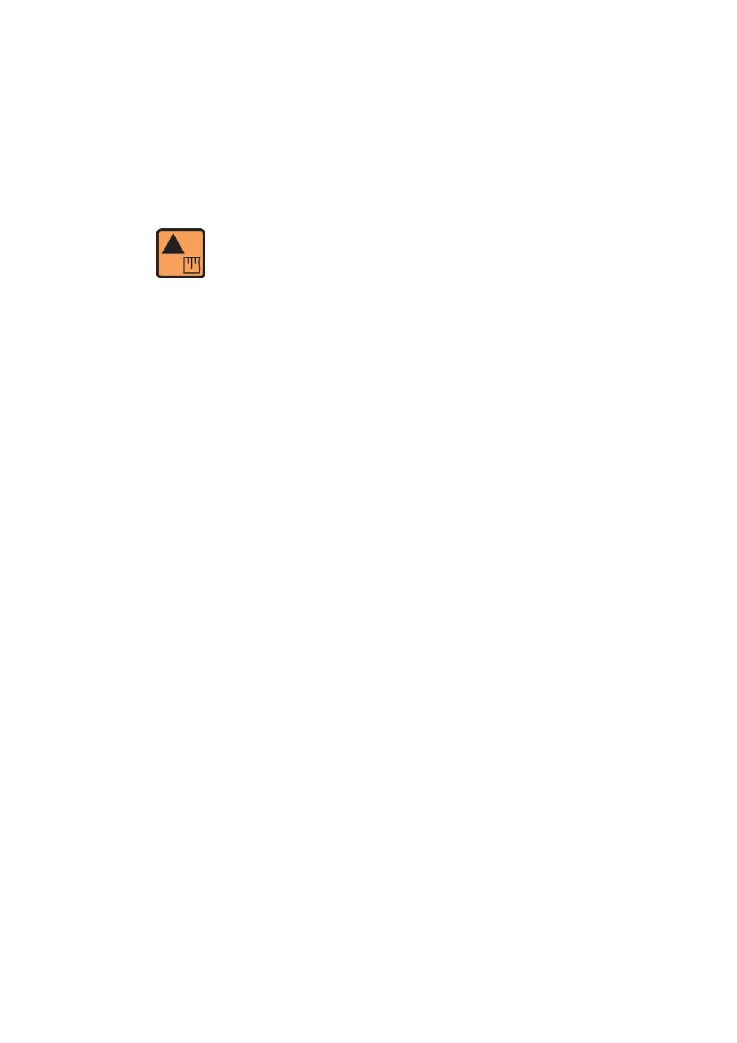
1.4 Calibration
First of all, connect the calibration gas and purge the lines, on the
measuring screen, press the "up/calibration "button, as shown by the
button: ,display the calibration interface,and then adjust the
reading withe UP and DOWN buttons until the analyzer agrees with
the calibration gas value.
Detailed calibration steps:
1. Make sure the Sample/Bypass valve is in the "OFF"position.
2.Allow low oxygen gas flow to purge pressure reducing valve.
3.Allow approximately 1-2min.time for the gas (N
2
would be better)to
purge the lines.
4. Connect the calibration gas into the analyzer sample inlet and set
the flow to about 1 SCFH.
5. Rotate the Sample/Bypass valve to "ON" so gas flows by the
sensor.
6. Wait for a few minutes for the oxygen reading to stablize.
7. Adjust the reading with the UP and DOWN buttons until the
analyzer agrees with the calibration gas value.



 To Next Page