Changing Setup Options
D-6 LIFEPAK 1000 Defibrillator Operating Instructions
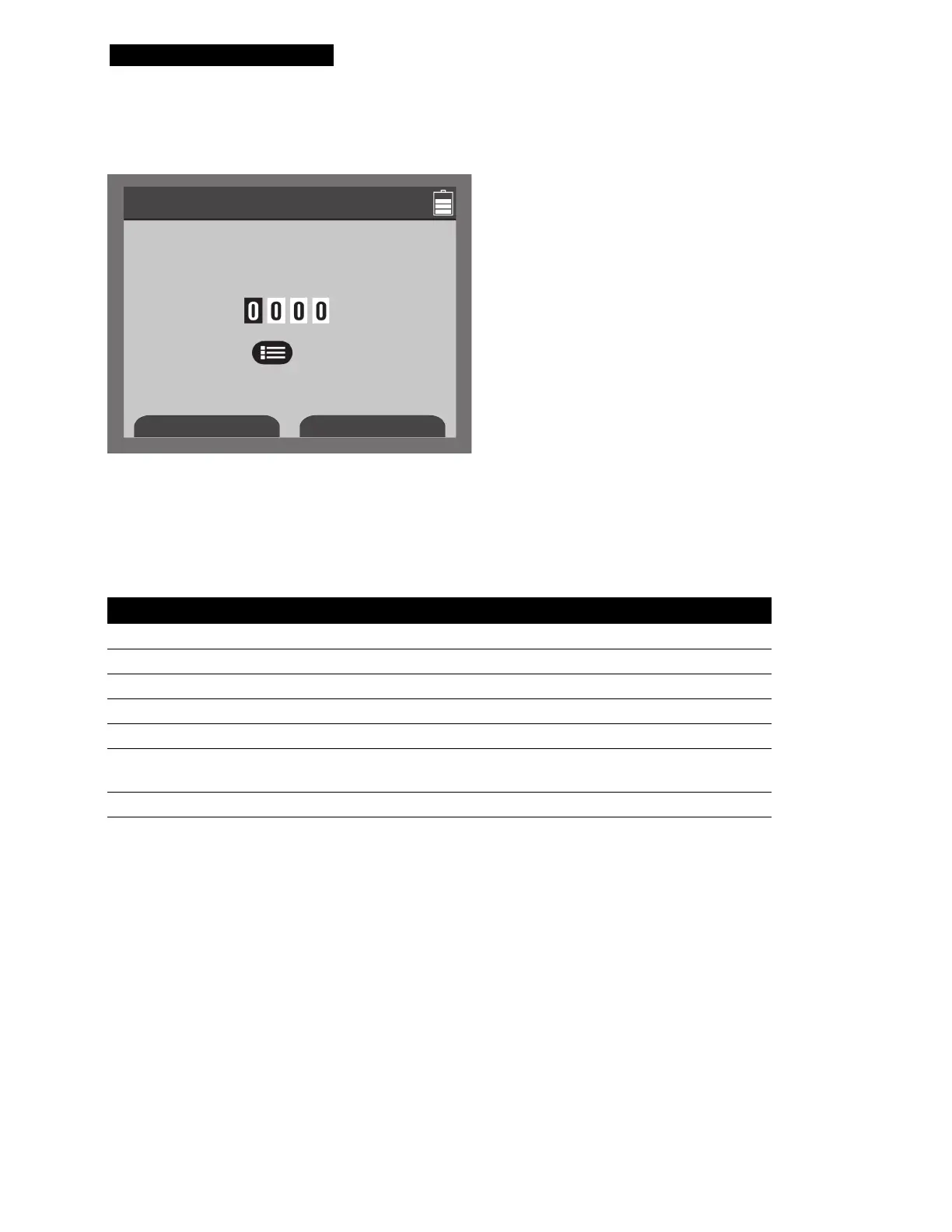
Access the Set Passcode screen, shown in Figure D-3, from the top-level Setup menu.
Figure D-3 Set Passcode Screen
Use the INCREASE and DECREASE softkeys and the MENU button to set the passcode. Be sure
to record the new passcode—the passcode is required each time you enter Setup mode.
Access Service mode, shown in Ta b le D - 9 , from the top-level Setup menu.
Ta b l e D- 9 Service Setup Menu
Menu Item Help Message Options
DEFIB CAL
Start defibrillator calibration.
PIXEL TEST
Test display pixels.
SERVICE LOG
Show service log.
SERVICE DATA
Show device data.
DEVICE LOG
Display device log.
SET PASSCODE
Set Service mode access
passcode.
SETUP MODE
Go back to Setup mode.
Setup / Set Passcode
Set Setup Mode passcode
Press button to set
Increase
Decrease












 To Next Page