12
EssentiA
+
Instruction Manual
GETTING STARTED
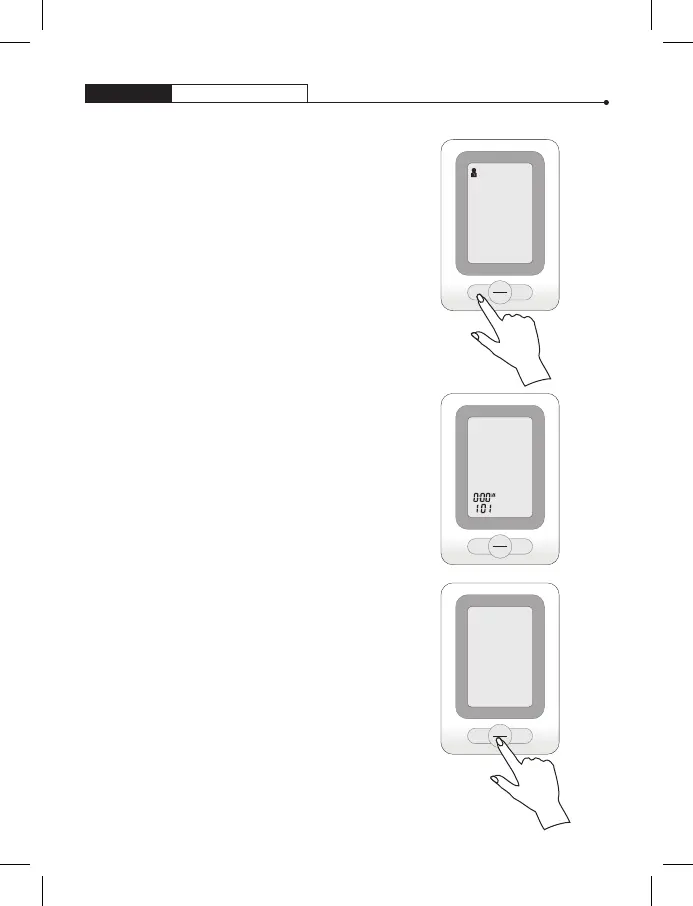
3. After selecting your memory zone,
press SET to automatically move
to the next step.
4. Set the month first by pressing the “M“
button. Then Press the“SET” button
to confirm. Continue with the same step
for the day, hour, and minute. Every time
the “SET” button is pressed, it will lock
your selection.
5. After the unit is set, press the
power button to turn off the unit
and save all current settings.
START
STOP
SET M
START
STOP
SET M
M
D
START
STOP
SET M


 To Next Page