7. confirm with „OK“ until you got back to the „PLC Selection“.Go on with „Next“.
8. In the main window start the Transfer Settings dialog by clicking on „File“ „Transfer“
„Settings...“. Coose„Seriall“ and the COM interface of the operating terminal (e.g.: „COM1“). set
the baud rate to "19200".
Confirm with „OK“.
and start with your work
If you have finished working on this project you can go on with the next steps.
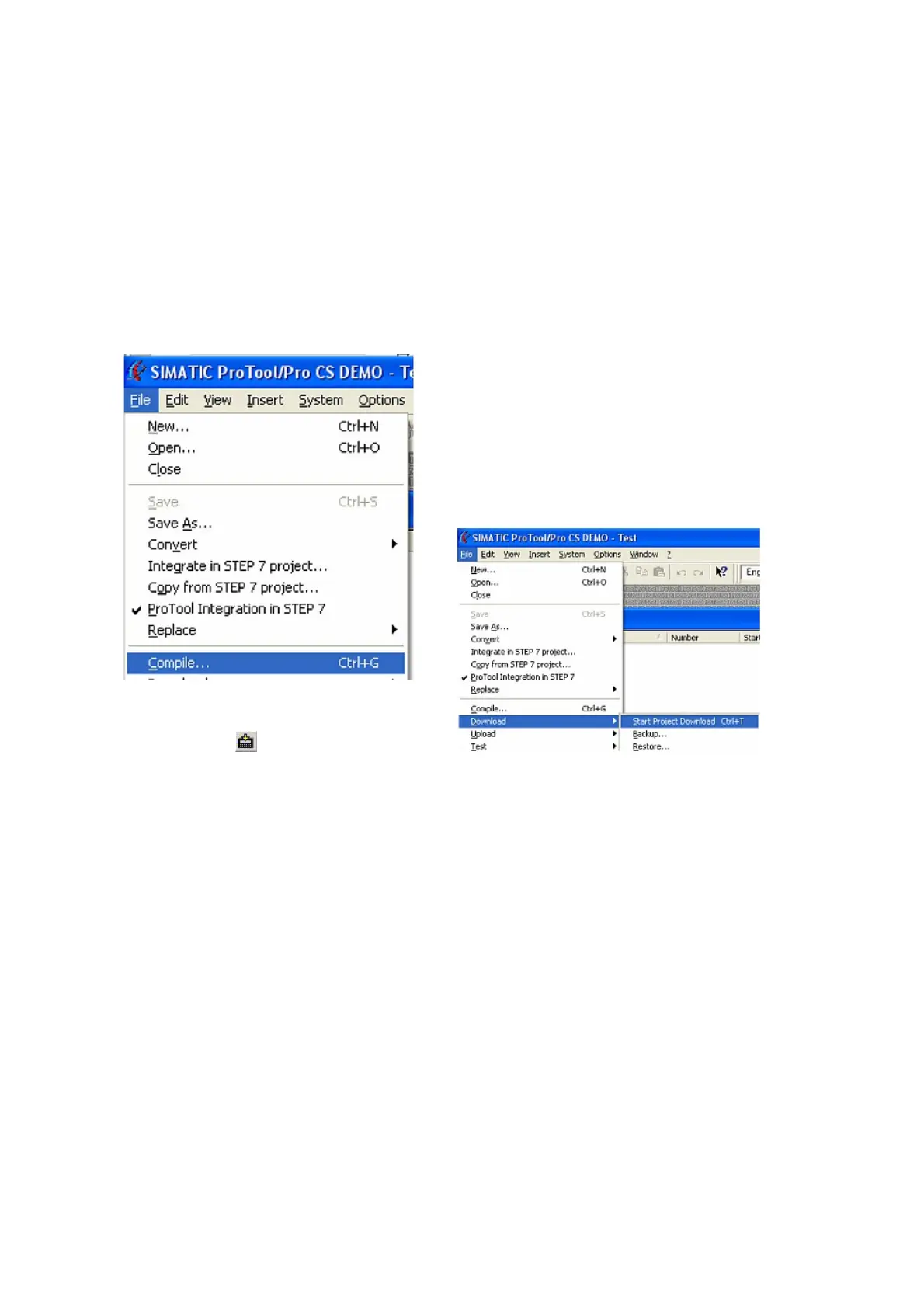
9. If you want to transfer you project to the panel
you have to generate the project first. This can be
done with a click on „File“ -„Compile“.
10. To transfer the project just click on „File“
„Download“ „Start Project Download“ or click
on the right symbol .
Please wait while the project is transferred.
The communication between the operator panel is now established.
5.1.6 S5 for Windows v5.02
Page 15 of 21 Handbook PG-USB



 To Next Page