3.1.1 Extension set PG-USB
The PG-USB is active toward his control. An extension is sufficient, in which the following pins are
placed 1:1: 2-2 / 6-6 / 7-7 / 9-9. Solder on the shield of cables at both ends on the metal case of the
Sub-D plug connector.
Cable type: 4 wires, twisted pairs, 0.25mm ² (LIYCY 2x2x0.25). Maximum length: 100m.
Order data
PG-USB Extension set: No. 9359-7 USB
3.2 Software
You need a corresponding programming software (eg PG2000, Step©5, S5 for Windows, WinCC)
to can work with the PLC.
You also need the PG-USB driver for Windows.
3.2.1 Driver for Windows XP
1. Download the USB-driver for the product of the you known web-site. Extract the file on your
harddisc.
2. Connect your USB device to the PC and perform the now starting Windows Setup Wizard in the
previously extracted folder.
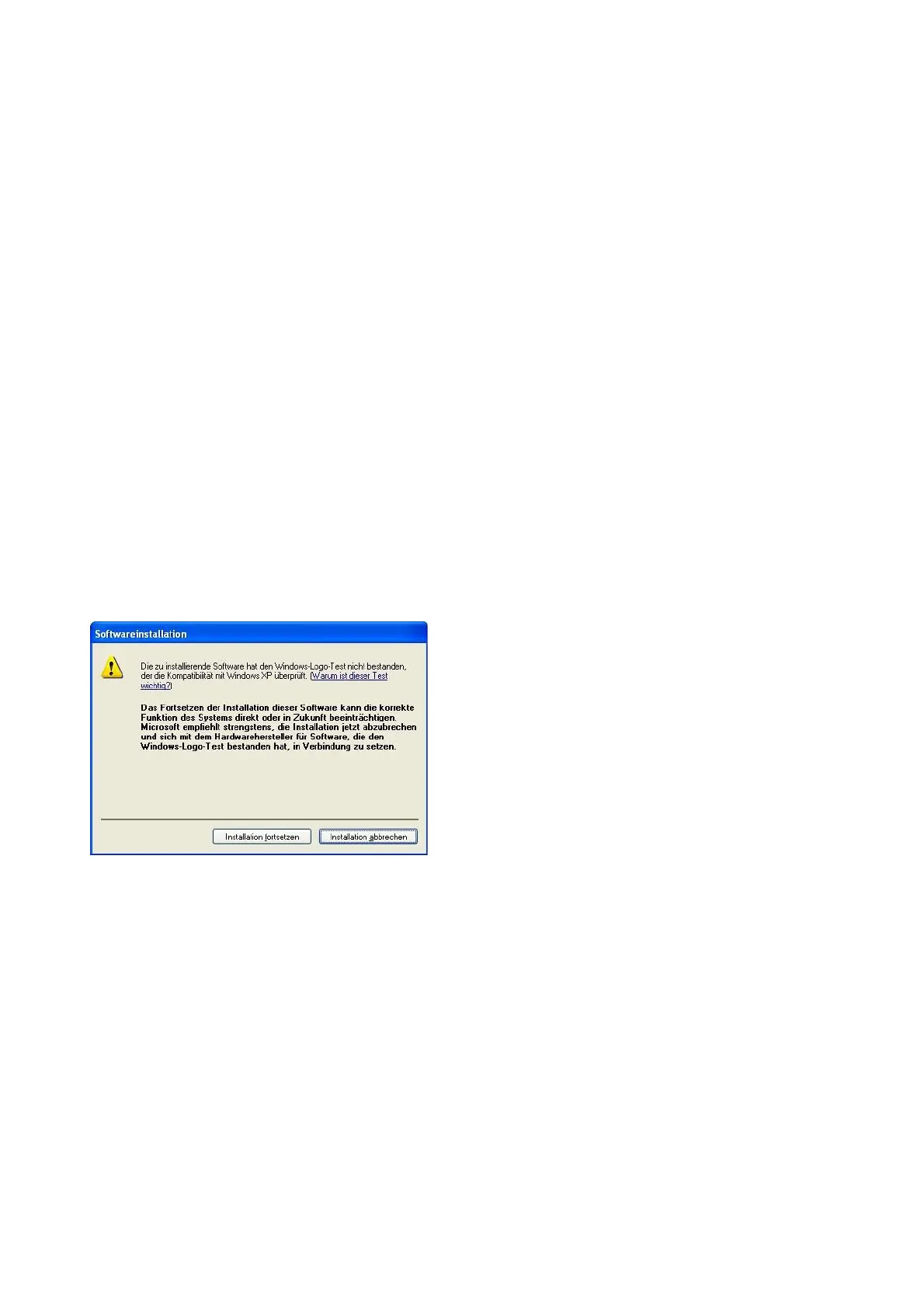
3. During the installation you were asked if you want
to continue this.
Confirm this message with "Continue".
4. Once the USB driver is installed, you have on this PC a new virtual com-port. This com-port can
be viewed in the Device-Manager of your PC and then select it in your S5-application and use it.
Do you use the original Siemens S5-software, then you still need to download the "S5-patch" and
also install it.
3.2.2 Driver for Windows 98
Under Windows 98 in a MSDOS-box can not directly accessed on virtual COM ports like at XP or
2000. Because of that the installation of a driver "S5 VCOM for Win98" is necessary.
Installation:
1.) Connect the PG-USB-cable / USB-RS232-converter to an USB port on the computer.
2) If not already done, install the drivers for the PG-USB-cable /USB-RS232-converter (This driver
allows WINDOWS programs to access on the S5 control )
Handbook PG-USB Page 4 of 21



 To Next Page