SECTION 3 - INSTALLATION
Page 3.3
pickering
ISOLATED MILLIVOLT THERMOCOUPLE SIMULATOR 41-761
Page 3.3
REED RELAY MODULE 40-110/115/120/125
pickering
SECTION 3 - INSTALLATION
Figure 3.3 - General Soft Front Panel Selector
TESTING OPERATION
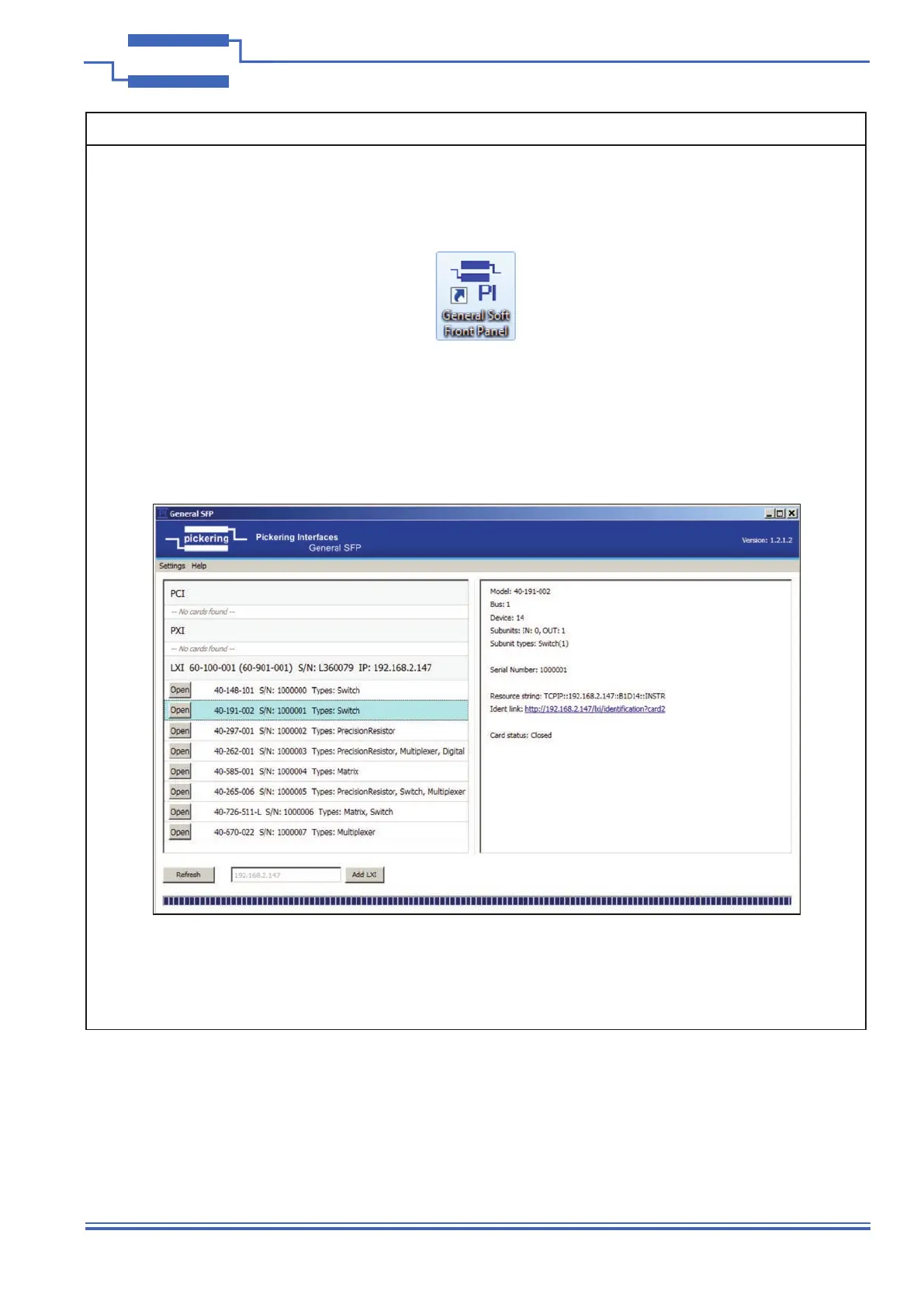
After installation of the hardware and Pickering PXI Driver software package start the General Soft Front
Panel (GSFP) using the desktop icon or via the Start menu (Start Menu-> Pickering Interfaces Ltd ->
General Soft Front Panel).
A selector panel will appear, listing all installed Pickering PCI, PXI or LXI switch cards and resistor cards. Click
on the card you wish to control, and a graphical control panel is presented allowing operation of the card.
Panels can be opened simultaneously for all the installed cards.
More details how to use the GSFP can be found in the manual, via menu Help\Manual
Figure 3.2 - General Soft Front Panel Icon



 To Next Page