18
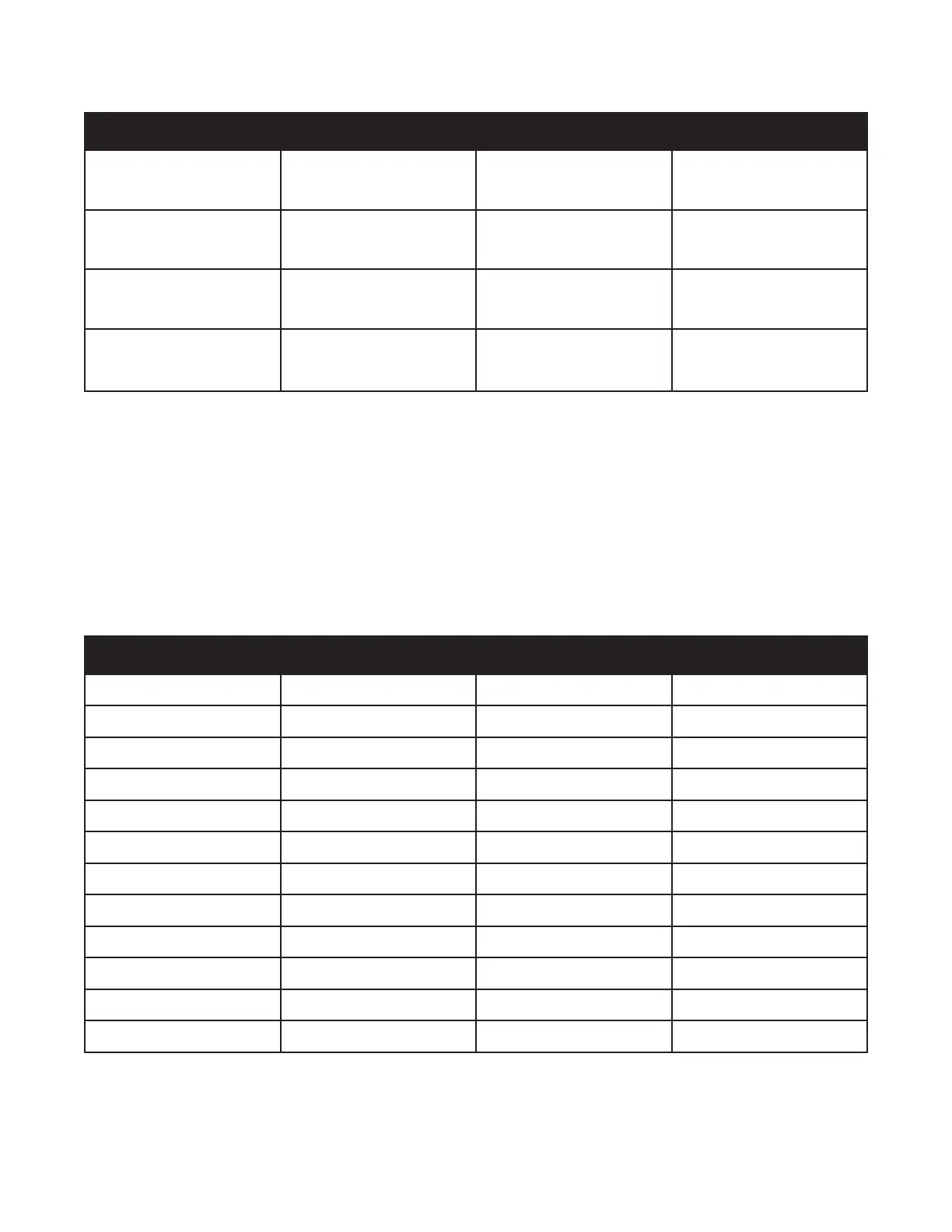
Playback Sample Rate
Recording Sample Rate 12 kHz 24 kHz 48 kHz
48 kHz (Default)
2 Octaves Down
Quarter Speed
1 Octave Down
Quarter Speed
Same Pitch
Same Speed
24 kHz
1 Octave Down
Half Speed
Same Pitch
Same Speed
1 Octave Up
Double Speed
12 kHz
Same Pitch
Same Speed
1 Octave Up
Double Speed
2 Octaves Up
Quadruple Speed
During Recording or Playback, you can use the Varispeed Remote Control Menu, the Expression
pedal, MIDI commands, or MIDI Clock to adjust the sample rate as desired.
The current sample rate is saved at the same time that your current loop or overdub is saved. Sample-
rate changes cannot be undone or redone using standard Undo or Redo functionality however, you
can snap to any desired sample rate using the remote switch.
By default, loop audio that is recorded at 48 kHz can only get longer and lower in pitch. To enable sped-
up, shorter, and pitched-up loops, this initial recording rate must be lowered before recording audio.
# of Semi-Tones Interval Up Speed (%) Down Speed (%)
1 Minor Second 0.94 1.07
2 Major Second 0.89 1.13
3 Minor Third 0.83 1.2
4 Major Third 0.80 1.25
5 Perfect Fourth 0.75 1.33
6 Diminished Fih 0.70 1.42
7 Perfect Fih 0.67 1.50
8 Minor Sixth 0.63 1.60
9 Major Sixth 0.60 1.67
10 Minor Seventh 0.56 1.88
11 Major Seventh 0.53 1.88
12 Perfect Octave 0.50 2.00



 To Next Page