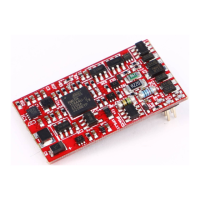
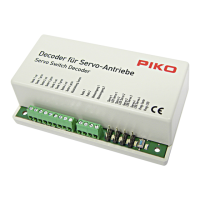
4.2 Programming
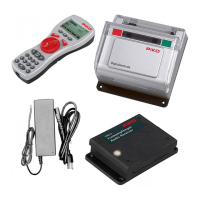
The switch decoder is programmed by means of a digital control unit (e.g. PIKO
CV has a particular task or function which you can assign or set by specifying the
corresponding values.
CV32 = address for output 1; CV51 / CV52 / CV75 = special functions
The CV table shows you all possible CVs which you can edit. See chapter 5.
4.3 Programming basic addresses
255 addresses in CV 32. If you need more addresses, please read chapter 4.4
“Programming high addresses”.
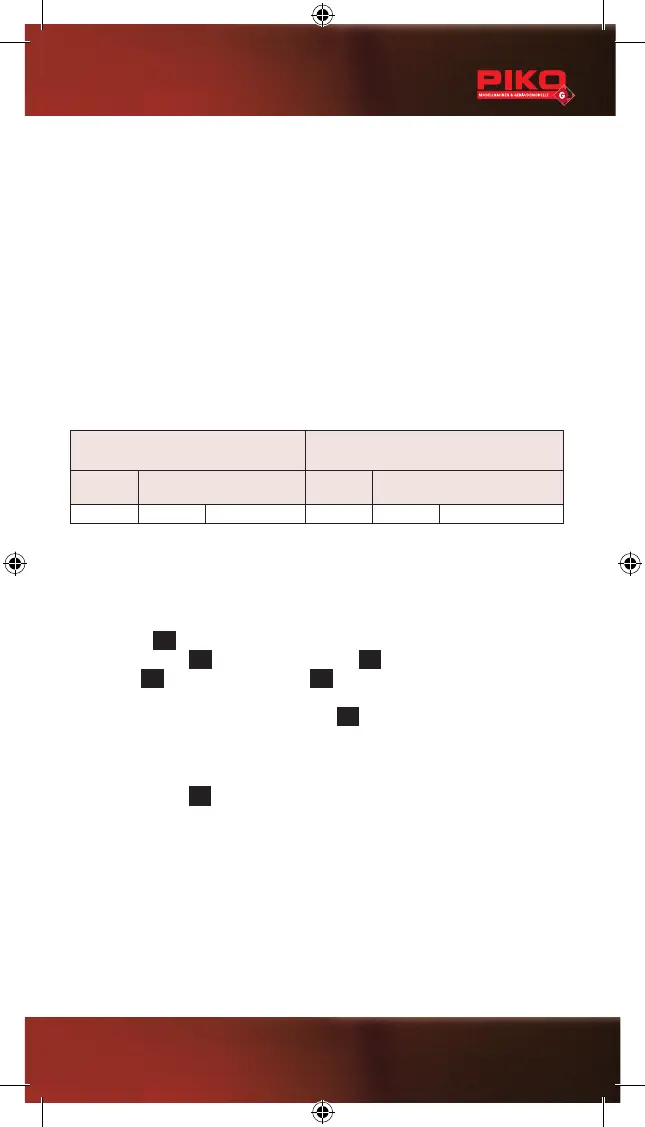
CV no. Value / Address CV no. Value / Address
32 001 1 32 018 18
operating manual of your digital control unit.
Using the PIKO Digital system follow this procedure:
Press the key
M3
main menu“Decoder
Progr.” by pressing
M1
M2
“CV Programming”
by pressing
M1
M2
to enter the CV Programming menu.
“CV No.”
requested “Value”
M2
.
For CV 32, a “value” virtually is an “address”, which allows you to select a value
018 was entered, meaning that address 18 was programmed for the decoder.
By pressing the key
M3
,
Caution: When programming on the main layout track, remove any
locomotives from the track: Otherwise, their programming could be affected.
19


 To Next Page