light
21
mode 6HOHFWLRQRIWKHRSHUDWLQJPRGH
ORNORFR
• Initiate loco selection or switch back to loco mode from every other mode
Keypad
• Number keys >@>@, enter loco address, switch into different modes, selection of the
operating mode and sub-menus
stop / delete
• Turn DC current on and off, delete last entered number or loco data set
Enter [ճ@
&RQ¿UPDQLQSXW
&RQ¿UPDORFRGDWDVHWLQchange loco data mode
,QLWLDWHLQSXWRIDQDGGUHVVDQGFRQ¿UPLQloco mode, turnouts mode and routes mode
6WDUWDUHDGLQJRUSURJUDPPLQJSURFHVVLQprogramming mode
3. Operating the PIKO SmartController
light
3.1. Start
After starting-up your system, the PIKO SmartController
light
will be in loco mode. If you want to
control a train with the PIKO SmartController
light
, you have to select it by its decoder address or the
assigned name.
While in loco mode, you can start the selection of a locomotive by pressing on [lok@ or [ճ@. By turning
the throttle knob, you can select a locomotive out of the loco database (if there are any available
GDWDVHWV:KHQ\RXKDYHIRXQGWKHGHVLUHGORFRPRWLYH\RXFDQVHOHFWLWE\DJDLQSUHVVLQJ[lok@
or [ճ@. If the desired loco cannot be found on the list, you can enter a loco address with the keypad.
The [stop/delete@ key deletes the last-entered number and the>ORN@ and [ճ@NH\FRQ¿UPVWKHLQSXW
If you purchased your PIKO SmartControl
light
system as part of a PIKO SmartControl
light
starter-set,
you can start your model train operation right away, due to the plug and play character of
the system. All locomotives of the starter-sets are already included in the database of the
PIKO SmartController
light
.
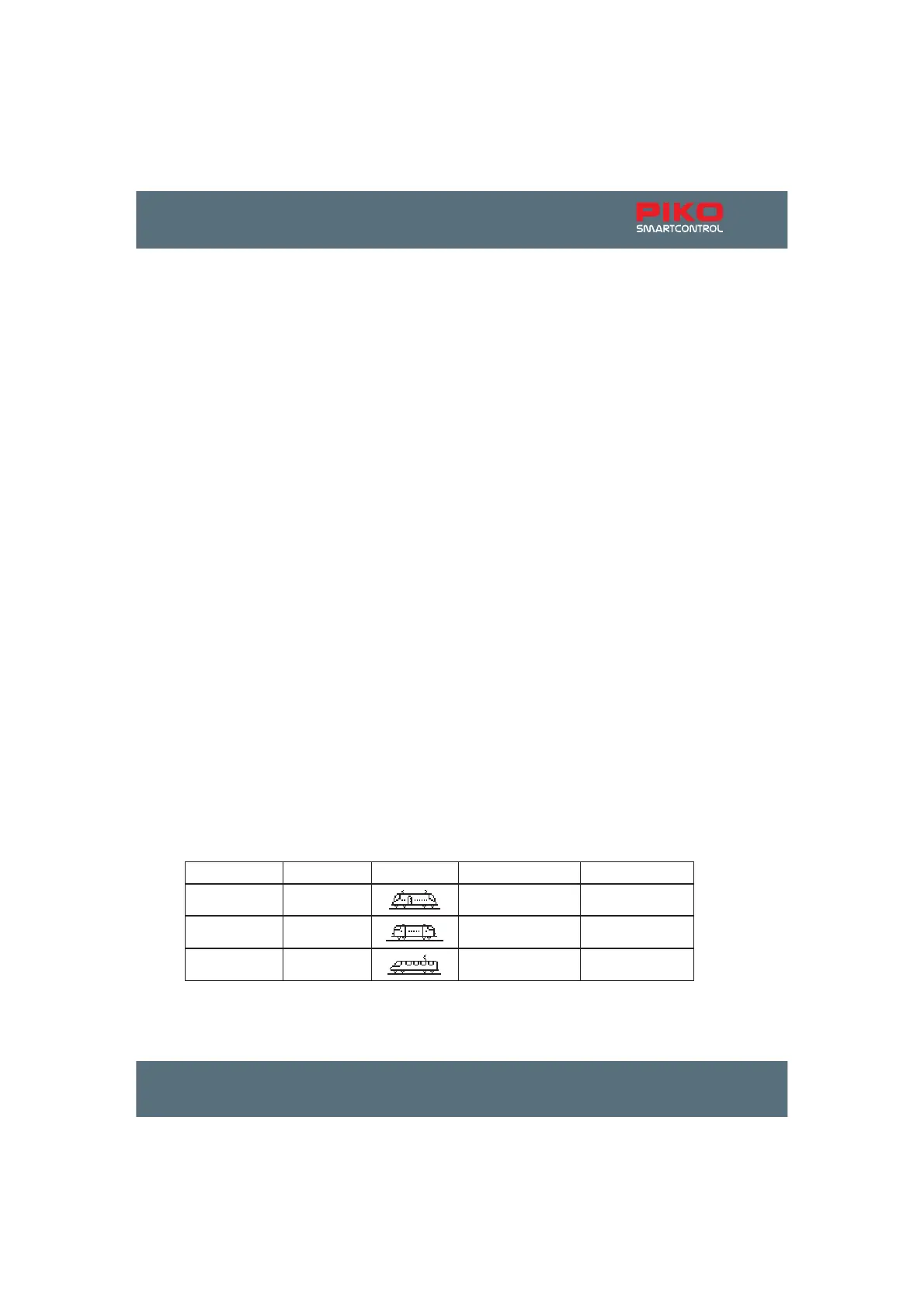
Addresses of the trains included in the PIKO SmartControl
light
starter sets
train address symbol function F0 function F6
electric loco 4
light on/off switching mode
diesel loco 5
light on/off switching mode
ICE 6
light on/off switching mode



 To Next Page