PROGRAMMING
Program Funcons
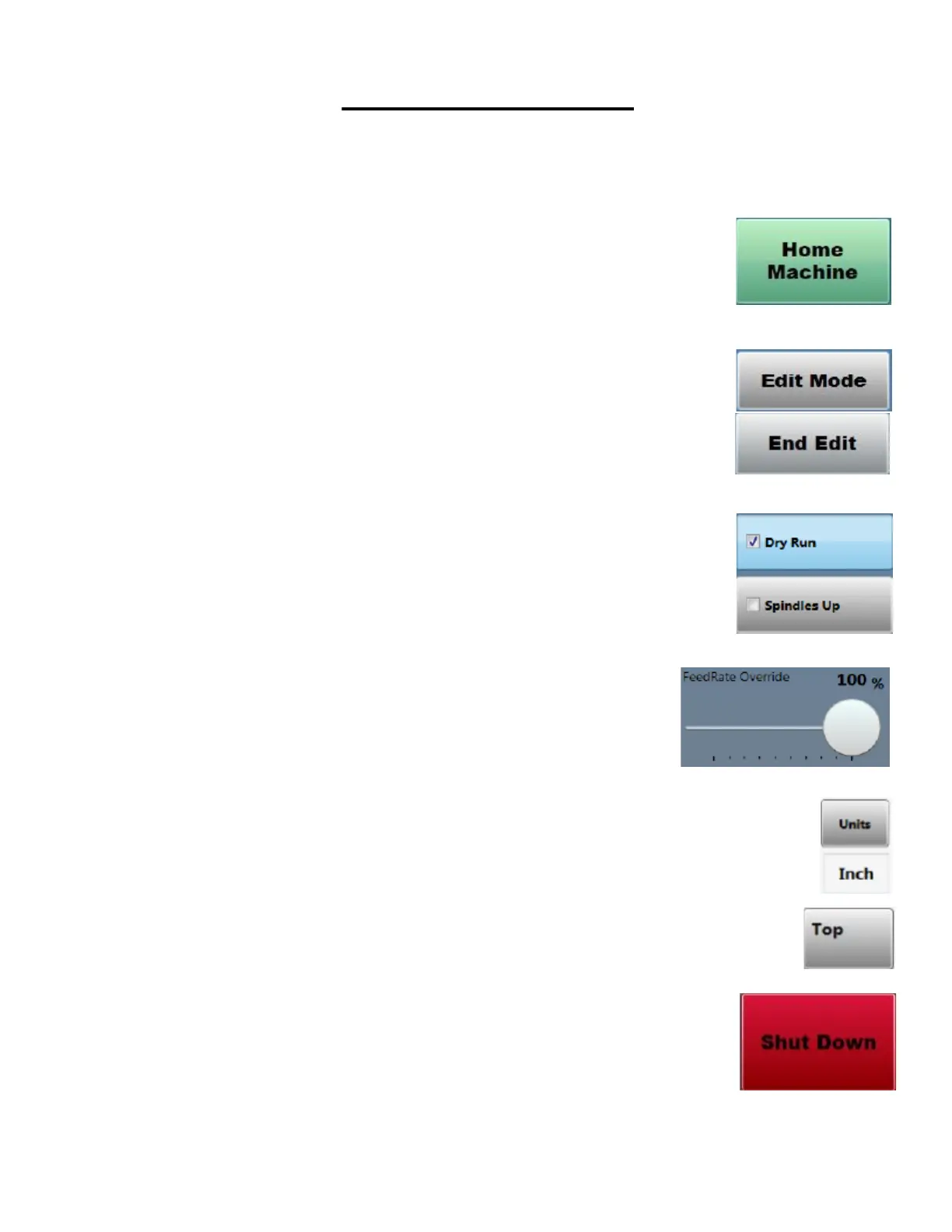
Home Machine: The home machine buon is used when the machine is rst started
up. This allows the machines axis to nd their home posion. (Machine must be Re-
Homed when the Estop has been pressed or when the machine has faulted.)
Edit Mode: Edit mode is used when the operator wants to program a new part into
the machine for use. The password to enter into edit mode is 311. Pressing End Edit
will exit edit mode and only allow the user to open and run programs.
Dry Run: The Dry Run feature is used when the operator wants to run a program with-
out the tools spinning.
Spindles Up: The Spindles Up feature is used when the operator wants to run the pro-
gram without the pneumac for the spindles ring.
Feed Rate Override: The Feed Rate Override is used when the operator wants
to slow the speed in which the machine is processing the part. This feature
can be used when the machine is in operaon.
Units Buon: This buon is used to switch between Standard and Metric
Graphic View Buon: This buon is used to switch between graphic views. (On machines
with mulple side operaons.)
Shut Down Buon: This buon will shut down the program, and the PC.



 To Next Page