PROGRAMMING
Connued
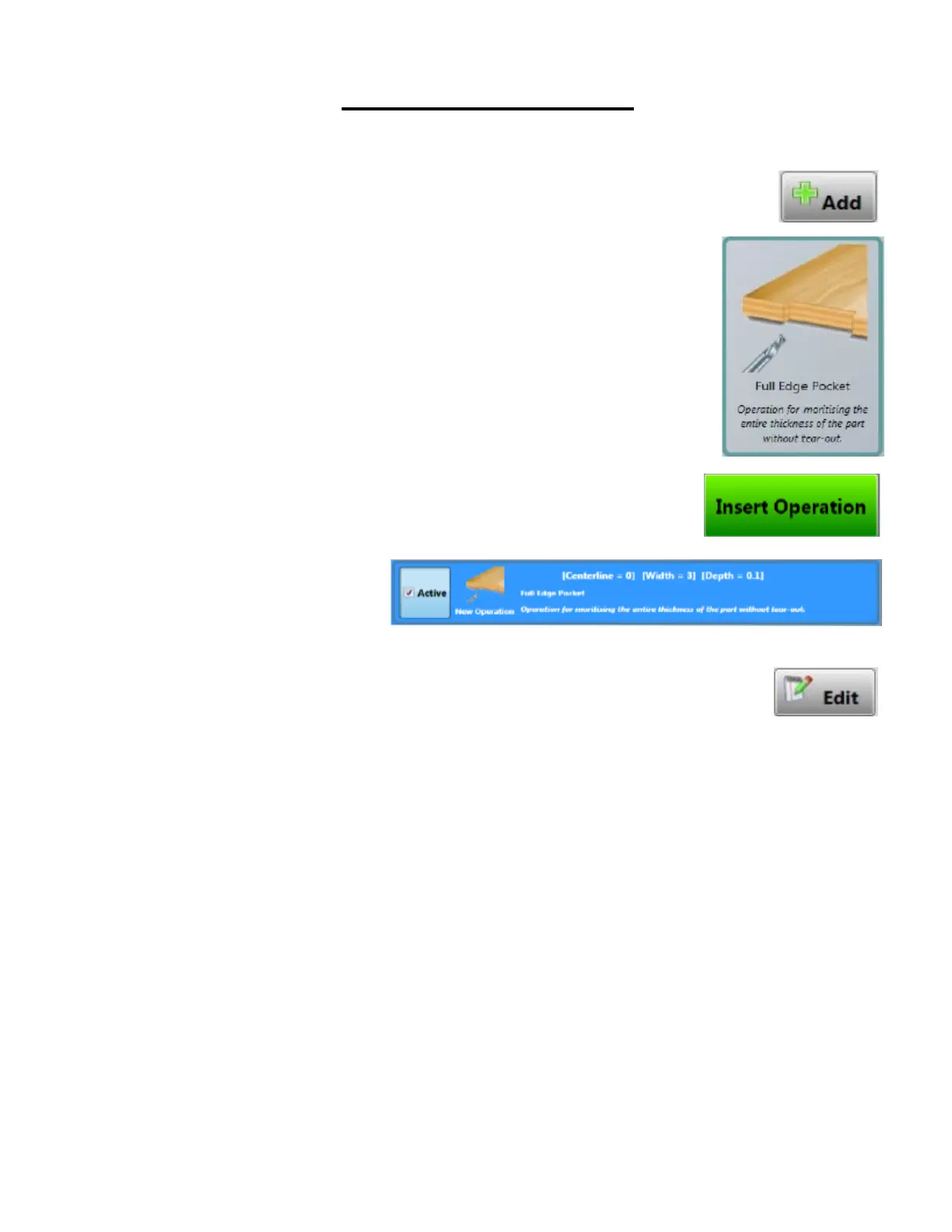
Inserng Operaons: To insert an operaon, begin by pressing
the Add buon.
Then select one of the operaons to perform.
Once the operaon is selected press the Insert Operaon buon
to insert the operaon.
Find the operaon that has just been added. Highlight the opera-
on that is to be edited by pressing on the screen where the op-
eraon is located. Once highlighted, press the Edit buon to edit
the operaon that has been added.



 To Next Page