MAINTENANCE
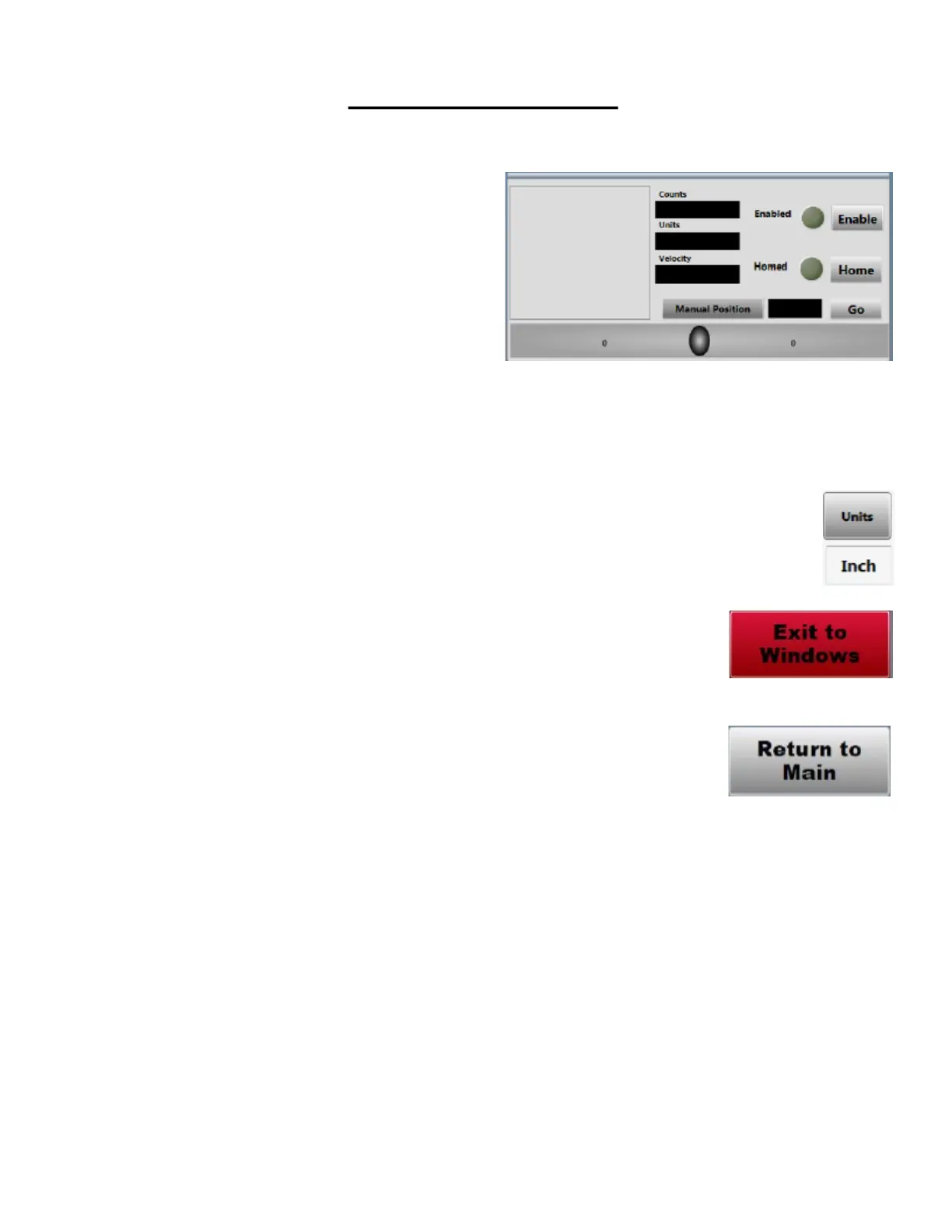
This is the Axis secon. It is used to manually control the axis.
The Enable buon will enable the selected axis. Pressing again will
disable the axis.
Manual posion will move the axis to the input positon once the
go buon is pressed.
The Oval shaped buon in the center is a slider bar. This allows the
operator to manually jog the carriage in a Posive or Negave
direcon. It will only move the selected axis.
The Units buon changes the machine between Standard and
Metric. Changing this in the Maintenance Screen changes the units
for every program made. Unlike the units buon on the main page
that will only change it per program made.
The Exit to Windows buon is used to exit out of the program to
the Windows desktop.
The Return to Main buon will switch back to the main screen of
the program where the programs are made.
Maintenance Screens Connued



 To Next Page