18
CONTROLS
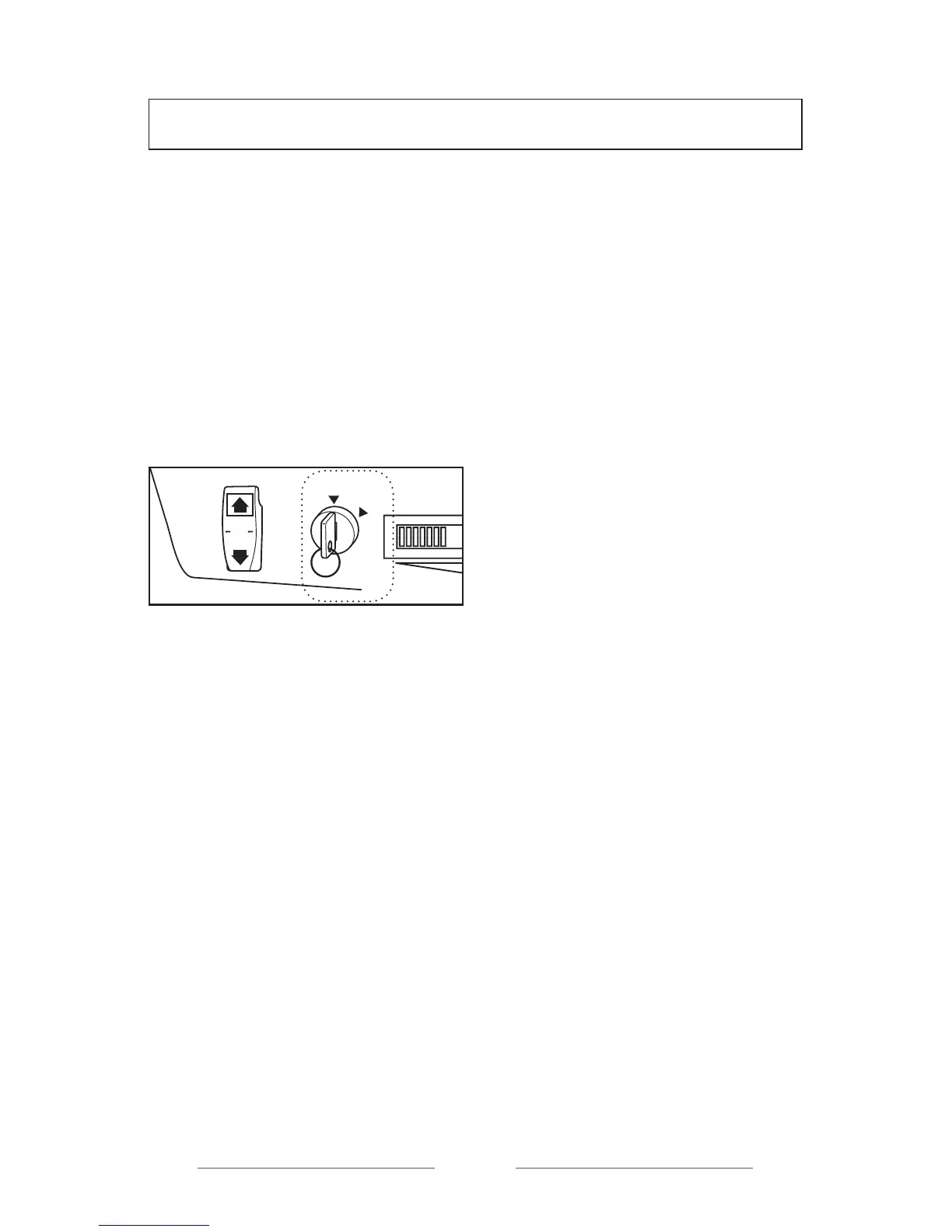
IGNITION KEY
The ignition key controls the
following:
OFF (INACTIVE): Electric supply is
interrupted. The key may be taken
out only in this position.
ON (ACTIVE): Electric supply is
activated. The golf cart may be
operated.
O
FF
ON
REV
N
FW
D
0
19
CONTROLS
DIRECTION SELECTOR
BUTTON
The direction selector button is used
for back and forth movement of the golf
cart. When the cart is entirely immobile,
please set the arm to desired position.
GEAR
POSITION
VEHICLE
MOVEMENT
FWD Forward
REV Backwards
N Neutral
NOTE:--------------------------------
When the Direction selector button is set
to REV, BEEP sound alarm will be heard
as a backwards movement warning.
NOTE:--------------------------------
The vehicle shall certainly be started
in N (neutral) position and the desired
direction shall be selected after 2
seconds.
--------------------------------------
ACCELERATOR PEDAL
The accelerator pedal controls the speed
of your cart. A
Operation Speed
Press the pedal Increase
Release the pedal Decrease
BRAKE PEDAL
Please press the brake pedal to stop the
golf cart. B
O
FF
ON
REV
N
FW
D
0



 To Next Page