Pinnacle ShowCenter
Converting Files
The Pinnacle MediaManager can convert media into other formats. For
example, you can convert an MPEG 2 movie file into the MPEG 1 VCD format
for burning onto a CD.
If you use the Pinnacle ShowCenter, this file conversion function is useful for
formats that you cannot directly play back in the ShowCenter Player such as, for
example, DV-AVI video clips.
During conversion, a copy of the media is created, while the original file
remains unchanged. You can define where to save this copy in the
File/Preferences menu of the Pinnacle MediaManager. Here you can also
configure an automatic media conversion, as well as keep track of the current
status of running conversions.
In order to convert a media file, select it in the Media Library, right-click and
then select the format you want via the Shortcut menu Convert/Convert to.
You can initiate conversions for more than one medium at a time. These
conversions are then queued and processed one after the other. Conversion runs
in the background and keeps going, even if you close the Pinnacle
MediaManager.
File status
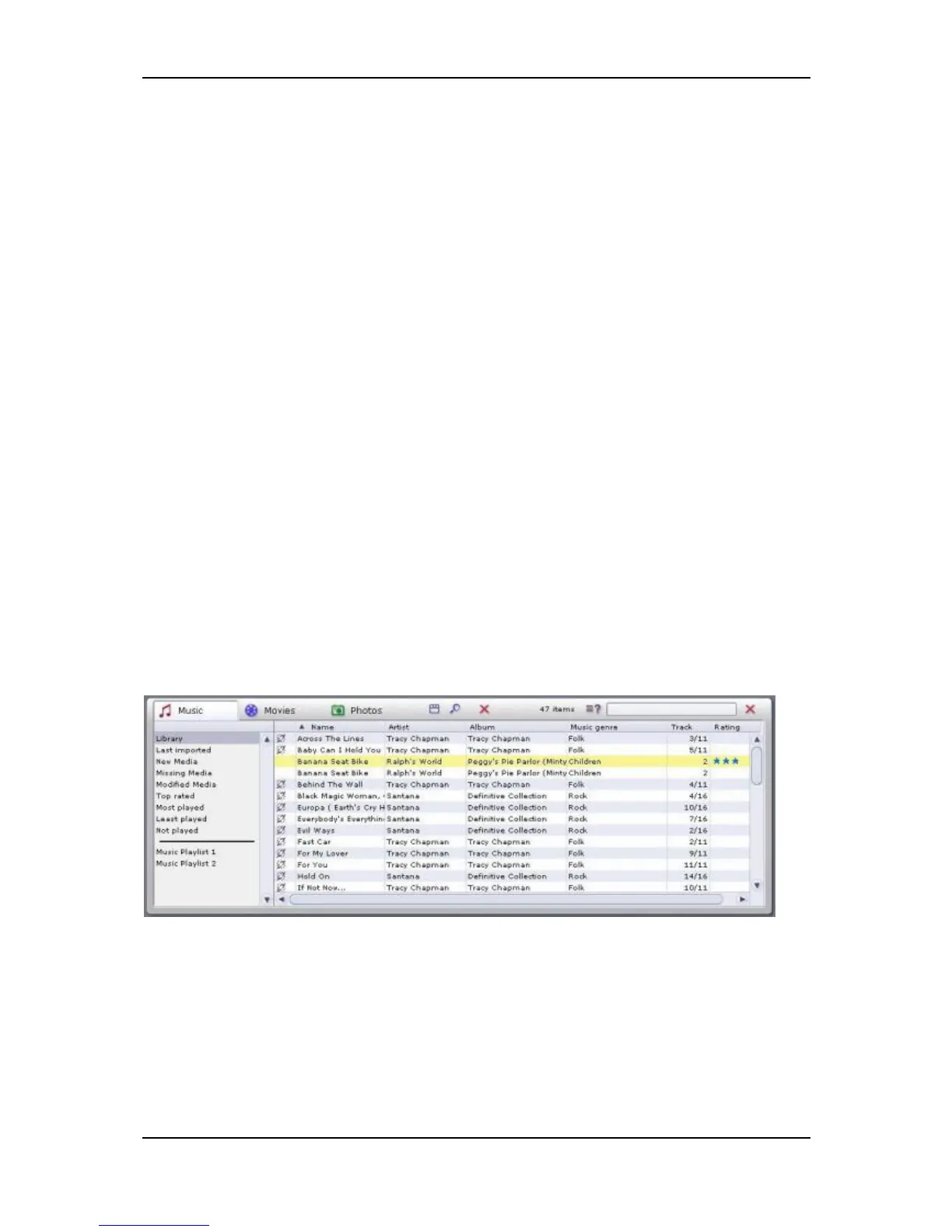
For each media type, the Media Library displays details for individual files in
the list to the right. The first column shows the file status, which describes the
conversion status of a file.
72


 To Next Page