Television
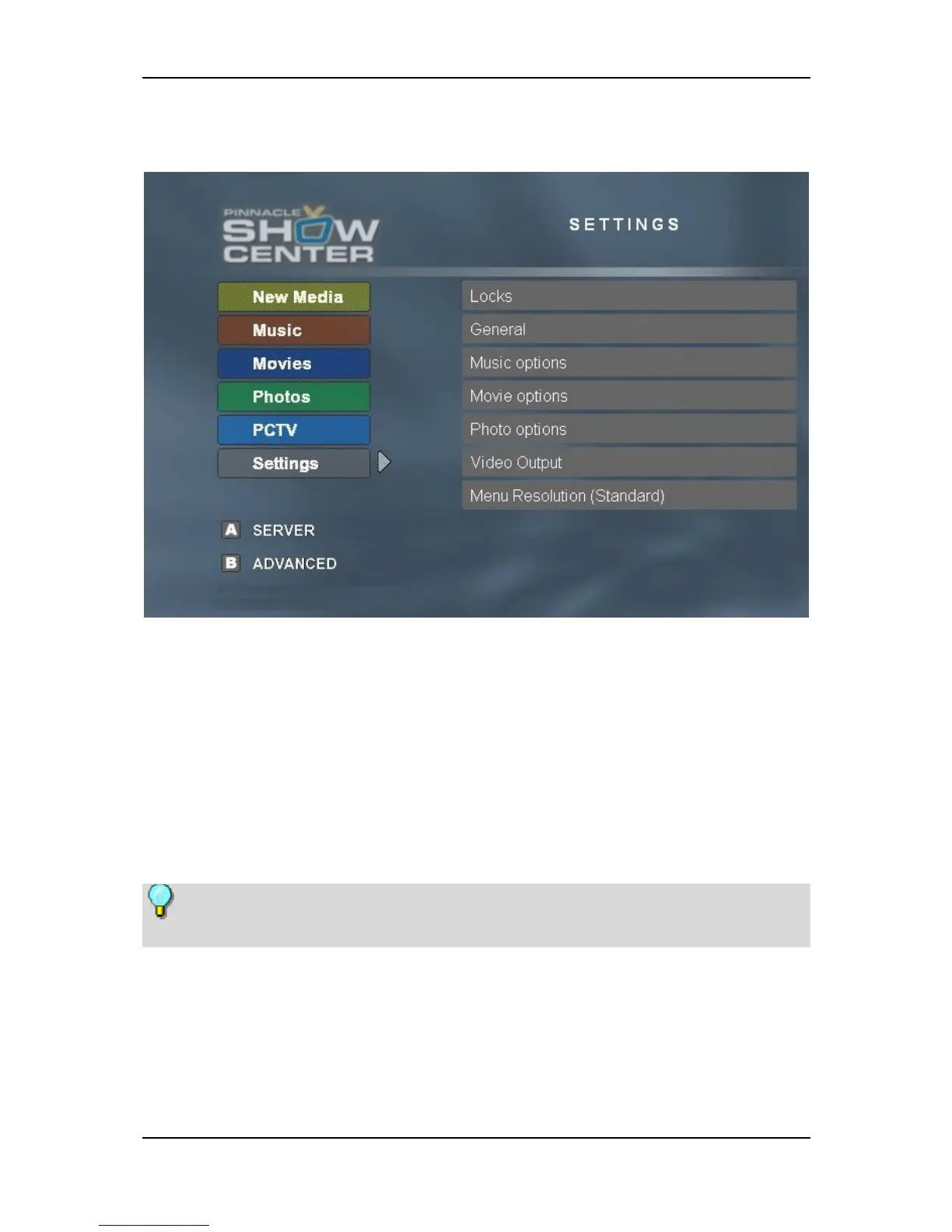
TV Menu - Settings
The following settings can be made on this screen page:
Locks
If you have stored some of your media files with an access code (PIN number)
and made the corresponding setting in the Pinnacle MediaManager application
and now want to have full access to all files, proceed as follows:
First, confirm the Lock field, enter your PIN number, and then press OK. You
now have unrestricted access to all media files.
If you want to reapply restricted access, press OK.
Media files that are to be subject to restricted access are selected separately
in the Organize tab of the Pinnacle MediaManager application.
93


 To Next Page