Television
Turning on the ShowCenter Player and the
Television
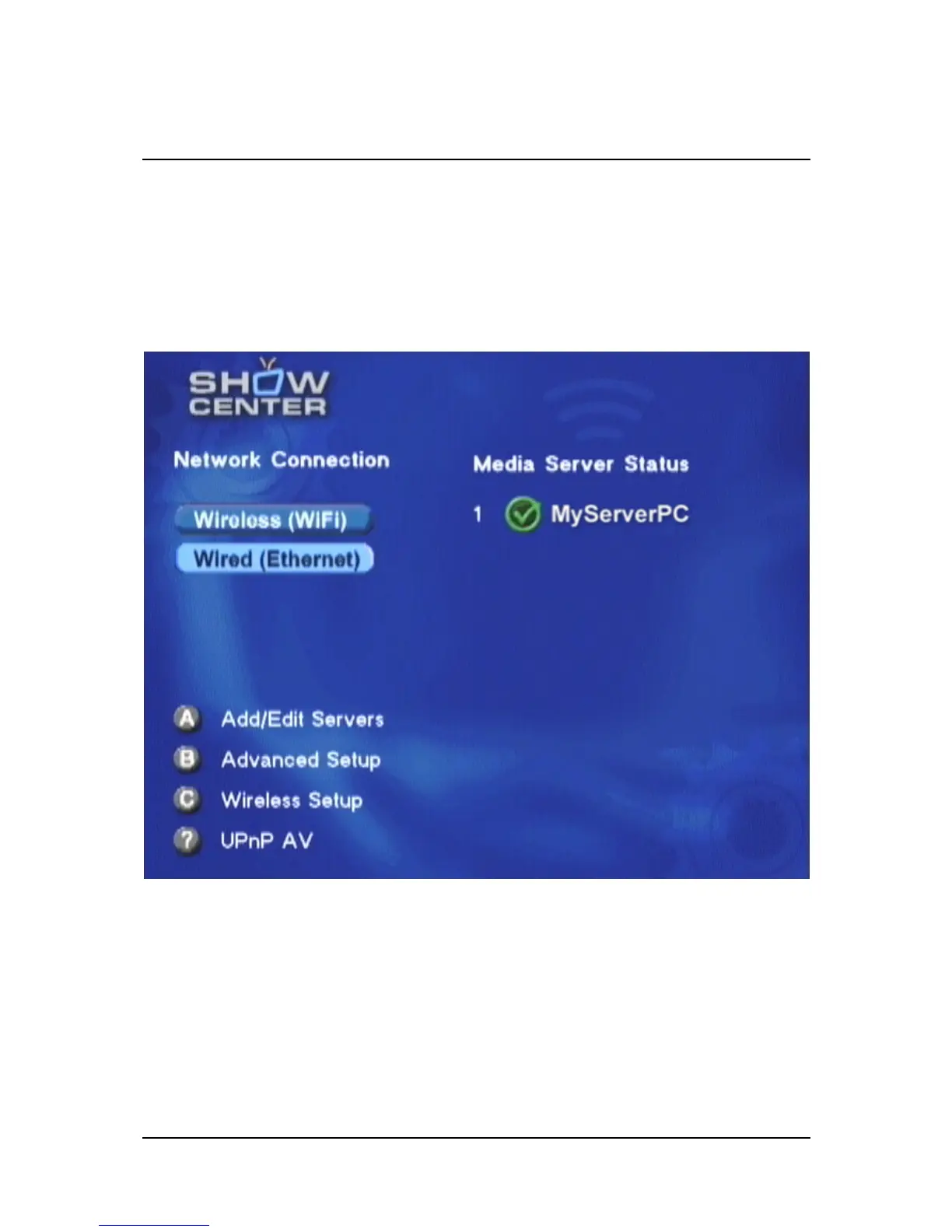
After you turn on the ShowCenter Player, the television screen will show the
ShowCenter logo for a few seconds and then the server options menu.
The ShowCenter Player will now automatically detect all available server
PCs in the network. Server PCs are computers on which the ShowCenter
software has been installed and the ShowCenter Server is active. They will be
displayed after a few seconds on the right side, marked with a green
checkmark. Select one of the servers with the arrow keys and press OK to
connect to it.
75


 To Next Page