Pinnacle ShowCenter
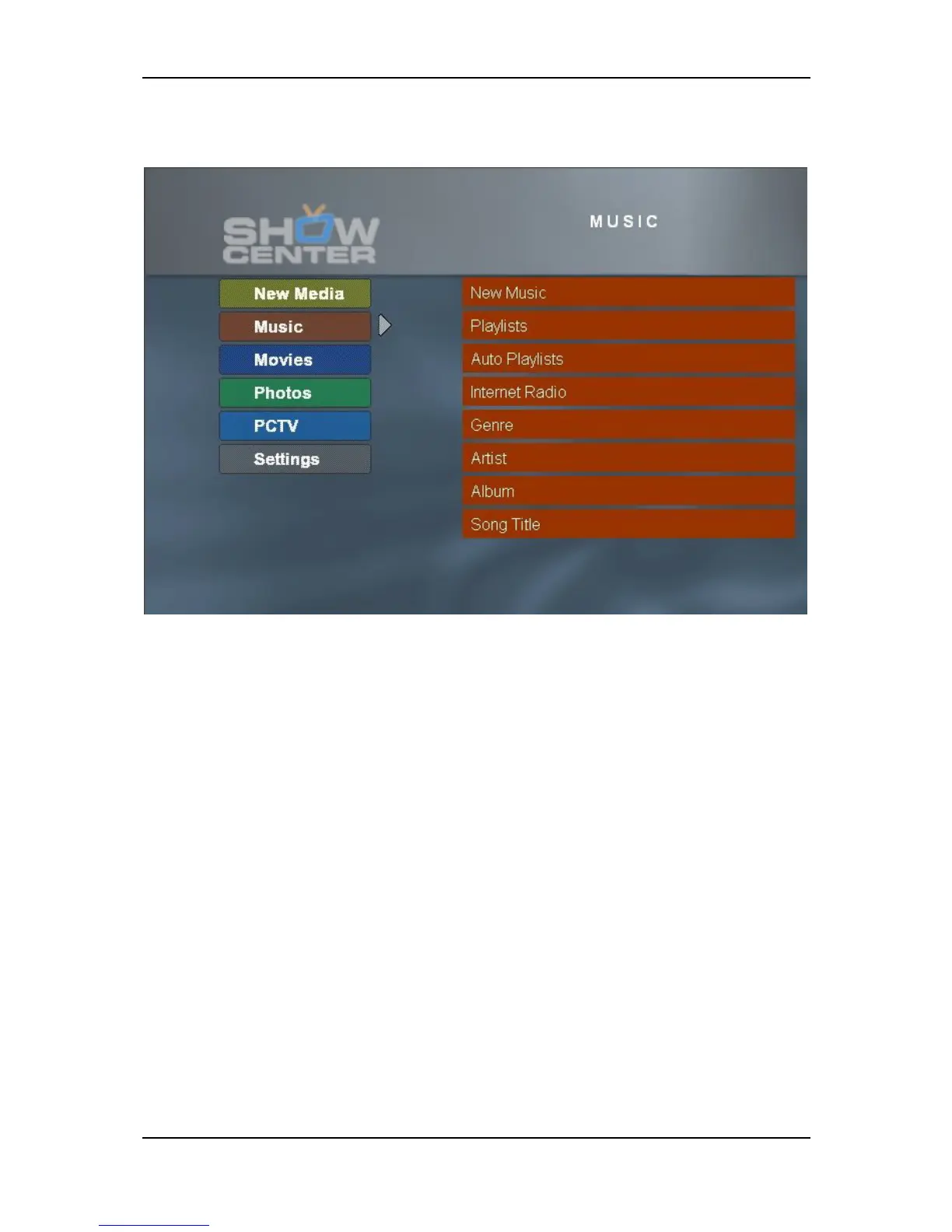
TV Menu - Music
The Music Start Menu is divided up into the following categories:
New Music
The most recently imported music files are displayed in "Artist-Album" format.
If you press OK on the remote control, then all of the titles of the album are
shown.
Playlists
A list of all the playlists created with the Pinnacle MediaManager application is
displayed. If you select a playlist and then press OK, then all of the titles in this
playlist are shown.
Auto Playlists
Automatic playlists are created for the Pinnacle MediaManager categories Top
rated, Most played, Least played, and Not played, which are then accessible
via this menu option.
Internet Radio
While the ShowCenter is being installed on your PC, the ShowCenter Radio
directory, which contains several links to sample radio stations, is created in
Internet Explorer.
78


 To Next Page